menu
Close

GET IN TOUCH
Check what other game developers say about working with RocketBrush Studio:

BLOG
Sprites are some of the oldest and most useful building blocks in game art. It is a flat 2D image used to represent an asset on screen.
Sprites are commonly used in modern game production, especially in pixel-art platformers, but even fully 3D games lean on them. UI layers, HUD elements, and menu icons are often built with them, VFX artists design smoke, fire, and magic out of sprite-based particles. Mobile and casual titles often rely heavily on these raster images for characters, props, UI, effects, and other 2D elements. In other words, they are essential to the way the game looks. In this article, we explore what are sprites in video games, and when they are used most efficiently.
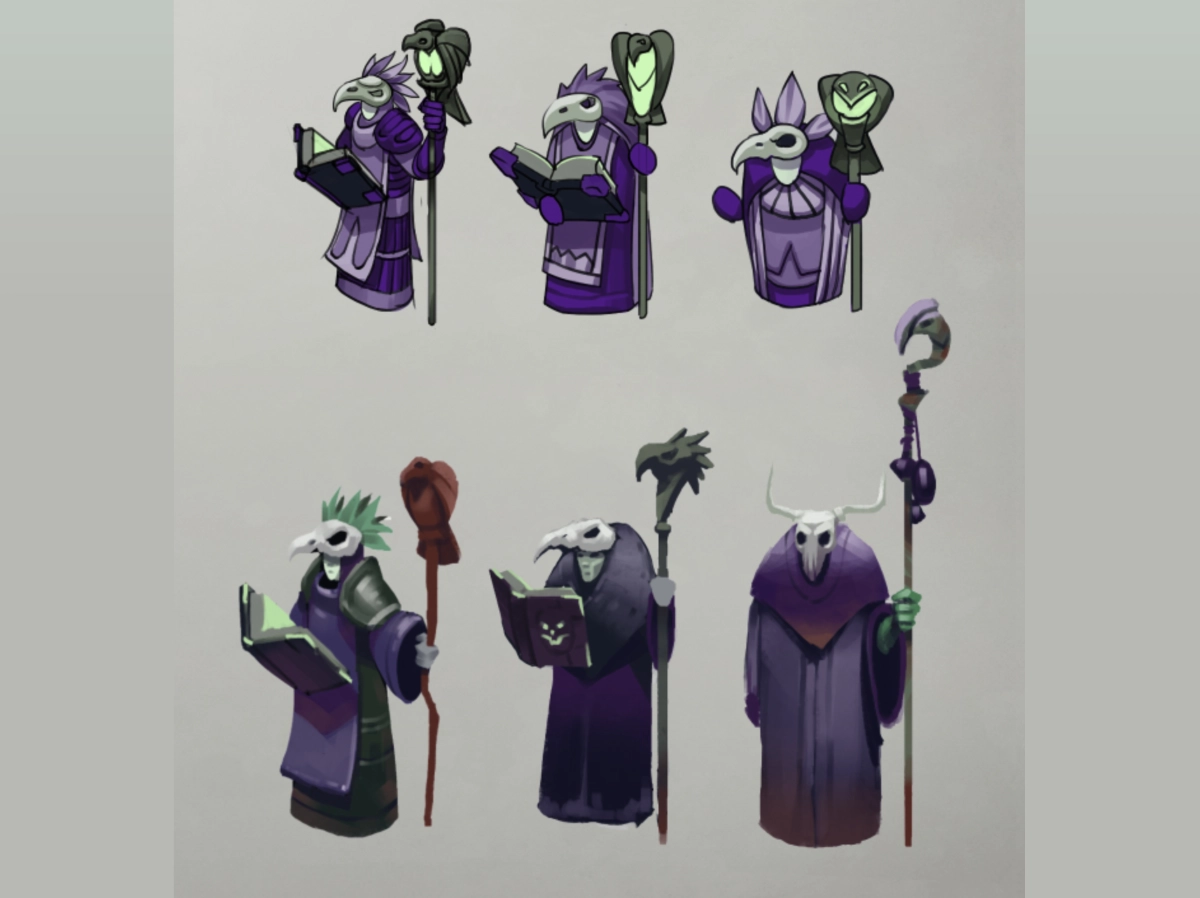
A sprite is a texture-based visual element rendered as a flat image, rather than a full object built from 3D geometry. It’s usually a textured quad or plane, drawn either through the engine's 2D rendering or as a billboard inside a 3D scene.
The name refers to the visual object itself: a character, icon, effect, or prop, ready to be placed and animated in a scene. It’s important to not mistake it for texture, which means raw image data. A sprite uses a texture but they aren’t interchangeable — a texture isn't the same until it's applied to a flat object.
A few mechanics decide how sprites actually behave inside an engine:
There are several reasons why artists use sprites even when seemingly more complex production techniques are available.
Different types of animation are used in game development. Discover more about 3D and 2D animation: the differences, tools used, and pipelines, from our article.
[[ref:2d-vs-3d-animation-for-games-how-to-choose-the-right-approach]]
Now that we’ve answered the question of what is a sprite in gaming, we see how not all sprites do the same job. Depending on what they’re used for, they generally fall into one of three categories.
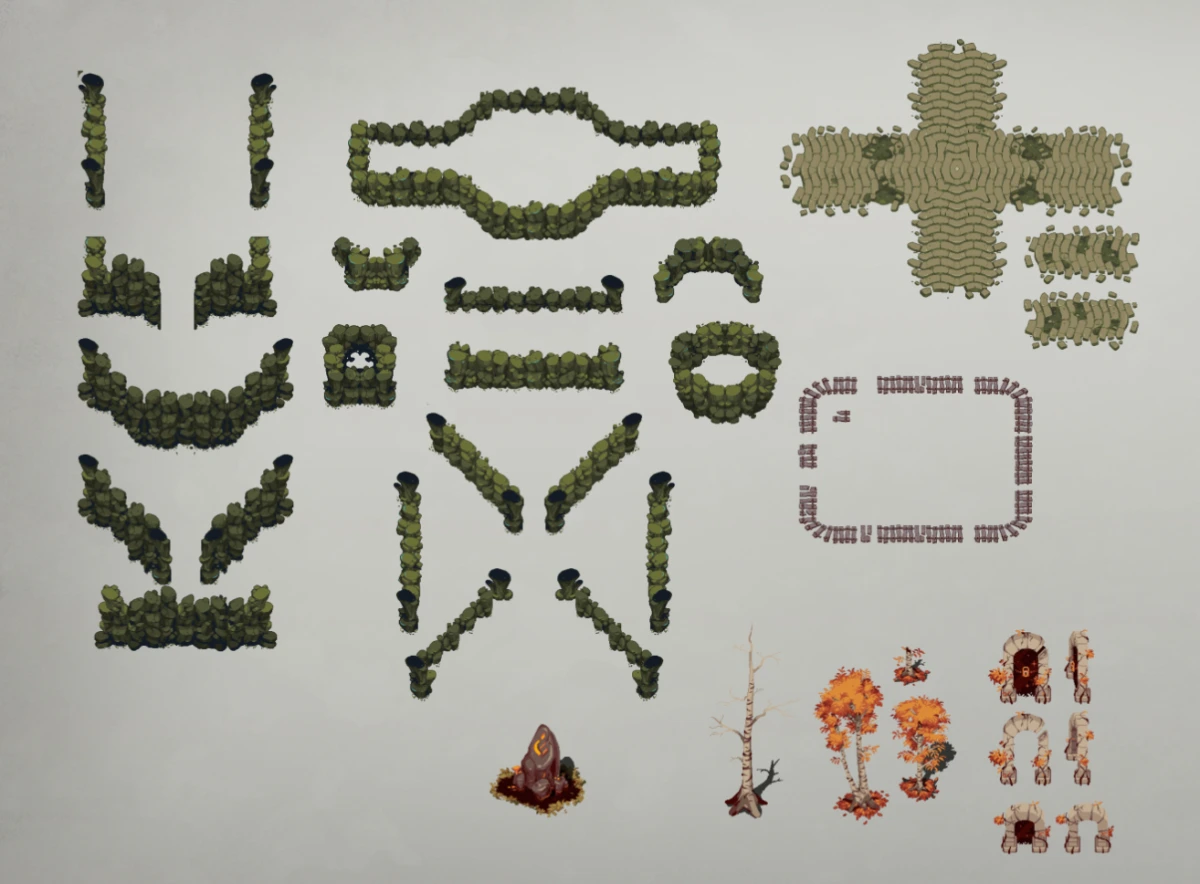
These are single-frame visuals with no animation attached: icons, props, backgrounds, and other elements that just need to sit in a scene and look right.
Use cases: UI elements like buttons and health bars, HUD components, and environment pieces such as background layers or static decorations in a 2D level.
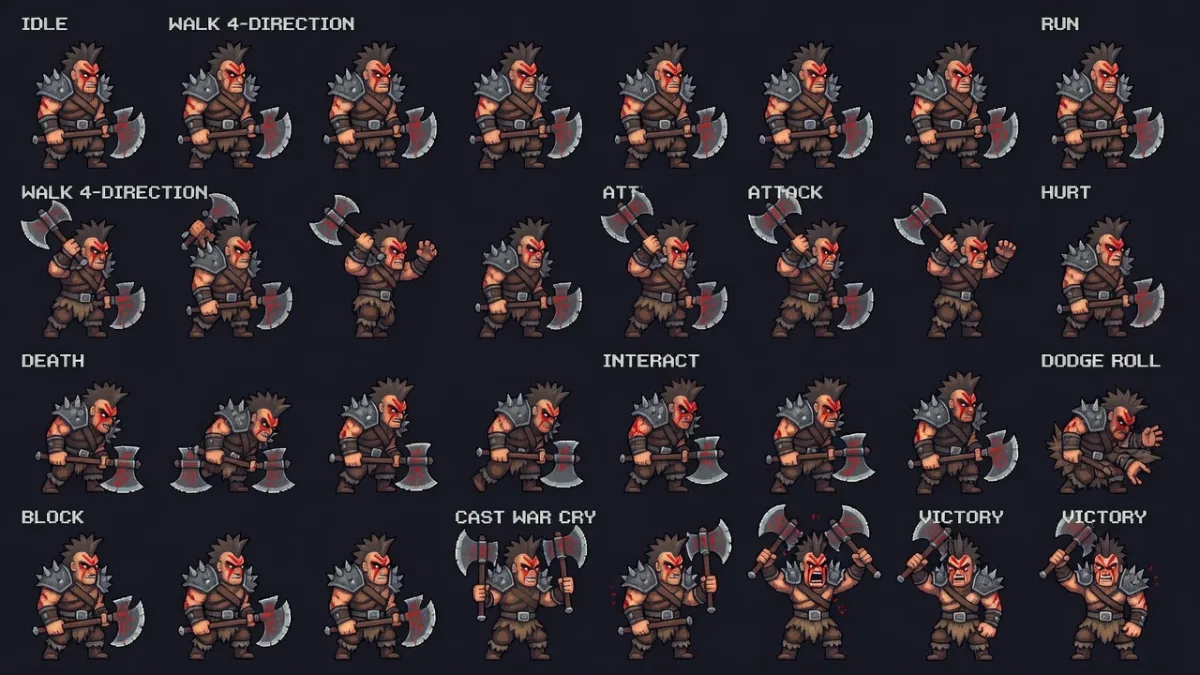
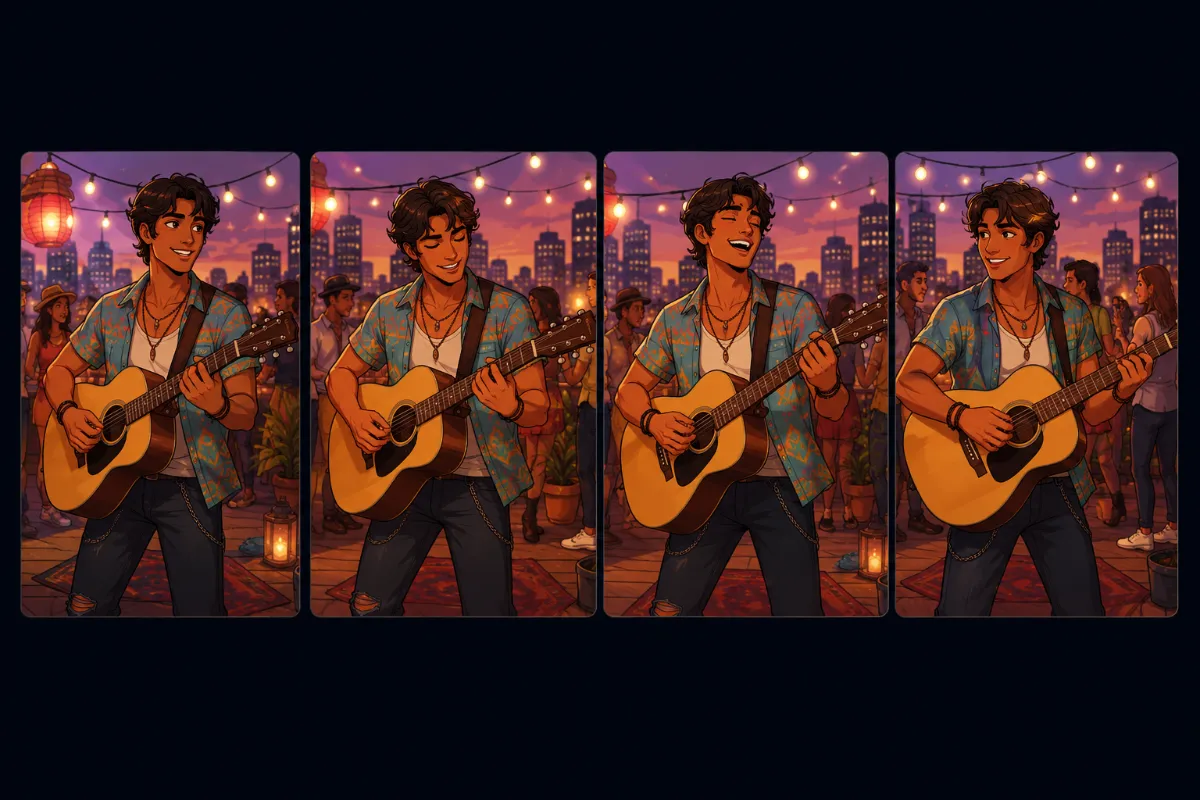
Built from a sequence of frames shown in order, either drawn frame-by-frame or generated as a sheet.
Use cases: characters, enemies, and interactive objects that need to move, react, or express something during gameplay.
Animated sprites tend to fall into two patterns:
At RocketBrush, we create sprite-based assets for characters, environments, and visual effects, adapting the workflow to the project's style and technical requirements.
[[cta:Need 2D art for your game?:Tell us about your game, and we'll assemble a production-ready art team with a pipeline tailored to your style, platforms and deadlines.]]
A large share of real-time VFX is built from small sprites rather than 3D geometry. Smoke, fire, magic, and explosions are typically made of many tiny raster images using additive or alpha blending, each one contributing a small piece of the overall effect.
In 3D environments, these particle images are almost always billboarded, so they read correctly no matter where the camera is looking. There's also a useful distinction between real-time effects, simulated live with each particle driven by its own position, rotation, and scale, and pre-rendered sequences, where a complex effect is baked out of 3D software frame-by-frame into a sprite sheet and played back like a flipbook — often cheaper to run than simulating the same effect live.
The process of making sprites is straightforward, but it still relies on a defined pipeline. The production process can be broken down into six steps, which are described below in an infographic.
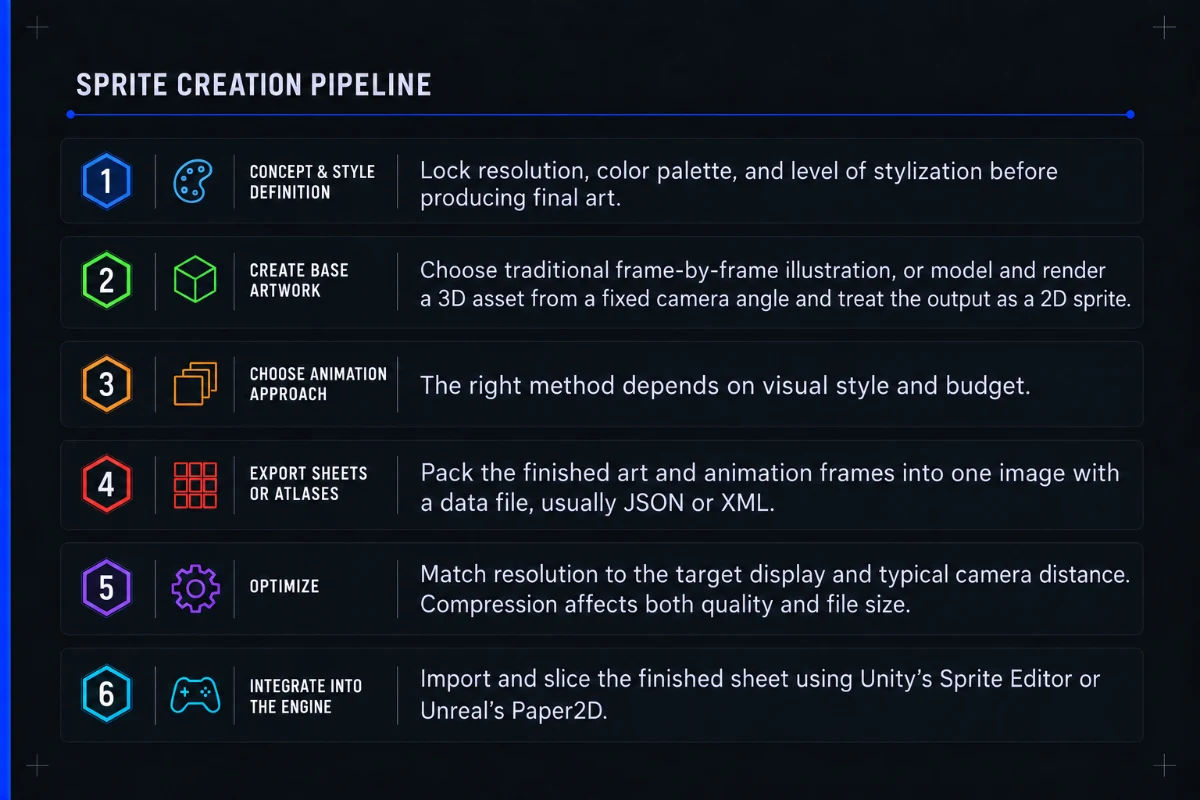
Sprites move from a clear style foundation — locking resolution, palette, and scale — into production either through direct 2D illustration or by baking 3D renders into 2D assets.
Animation is then built using the method that fits the project — frame-by-frame, skeletal or pre-rendered 3D. Frame-based animations can then be packed into optimized sheets, while skeletal workflows use separate texture and animation data.
Finally, assets are compressed, batched, and integrated into the engine, where slicing, pivots, collisions, and animation logic are set up for in-game use.
If you are looking to outsource sprites creation, as well as character design or other 2D game art services, learn all about the top studios specializing in 2D art from our article.
[[ref:top-studios-2d-game-art-outsourcing-character-design]]
Sprite production typically combines tools based on the pipeline: 2D tools like Photoshop, Aseprite, and Krita handle base artwork (from high-res illustration to pixel art), while animation tools such as Spine, After Effects, and Toon Boom are used for rigged, motion, or frame-by-frame work. For hybrid workflows, 3D tools like Blender or Maya are used to bake assets into sprites.
Everything is finalized inside the engine using Unity Sprite Editor or Unreal Paper2D for slicing, setup, and integration.
The exact stack depends on the project. Most companies pair a pixel-art project with the engine's built-in editor. A stylized 2D game with fluid character animation would lean on Spine alongside Photoshop or Krita for the source art. A hybrid project that needs sprites baked from existing 3D assets runs them through Blender or Maya first. Motion-heavy UI or VFX we often start work in After Effects before export.
2D animation relies on multiple tools, software, and areas of expertise. Learn more about various types of animation and their production cost from our breakdown.
[[ref:how-much-does-2d-animation-cost-a-solid-guide-for-game-developers]]
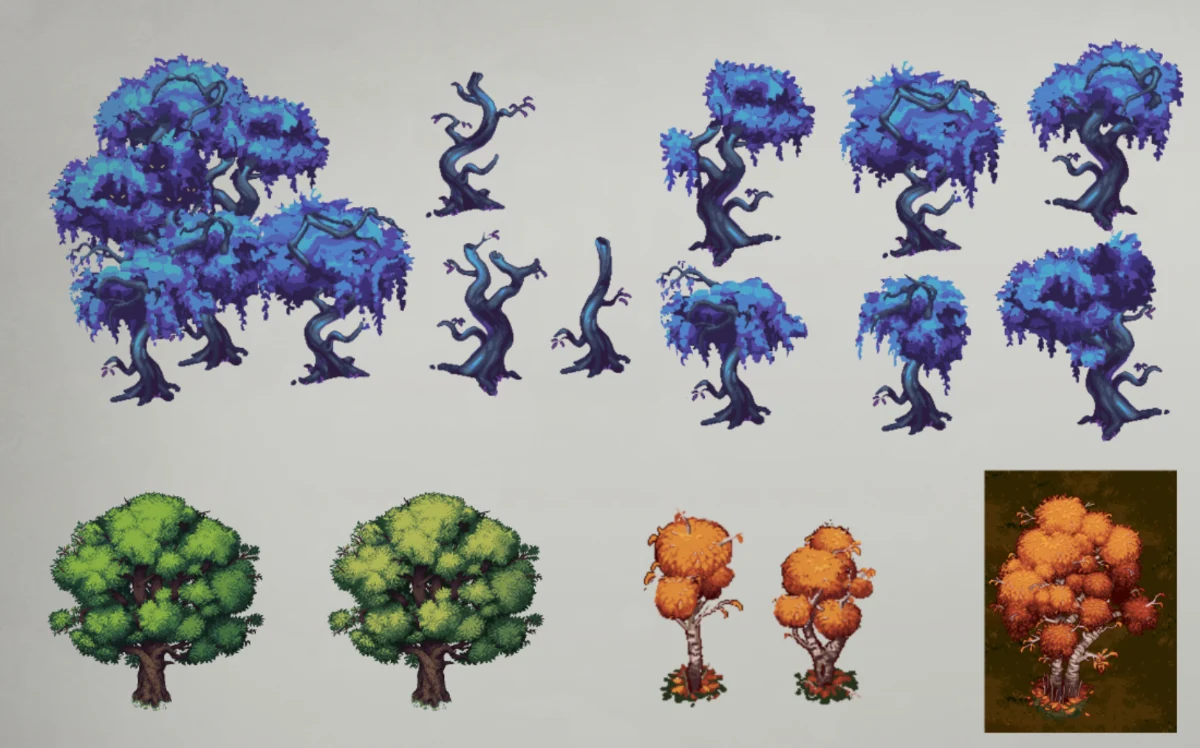
Choosing between sprites and 3D models comes down to how your game needs to look, perform, and scale in production — each approach solves different problems.
Sprites tend to outperform 3D on mobile projects, stylized games where the art direction favors a flat or hand-drawn look, and UI-heavy titles where clarity matters more than depth. In these cases, the extra production time and rendering cost of a 3D pipeline usually don't pay off.
3D models are the better choice once a game needs dynamic lighting that reacts to the environment, a camera that moves freely or rotates around objects, or a level of realism that a flat image can't sell convincingly from every angle. A rotating camera is the clearest signal: a believable view from angles that weren't planned for us hard to fake.
Hybrid approaches are common in practice. Some studios build characters in 3D and render them down into flat images, keeping the modeling and rigging benefits of a 3D workflow while shipping a 2D-style presentation. Others build full 2.5D games, combining 3D environments with 2D sprite characters, or the reverse, to get the best of both without paying the full cost of either pipeline everywhere.
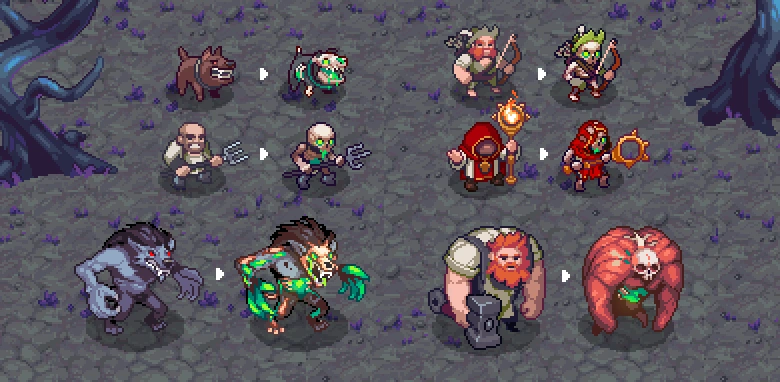
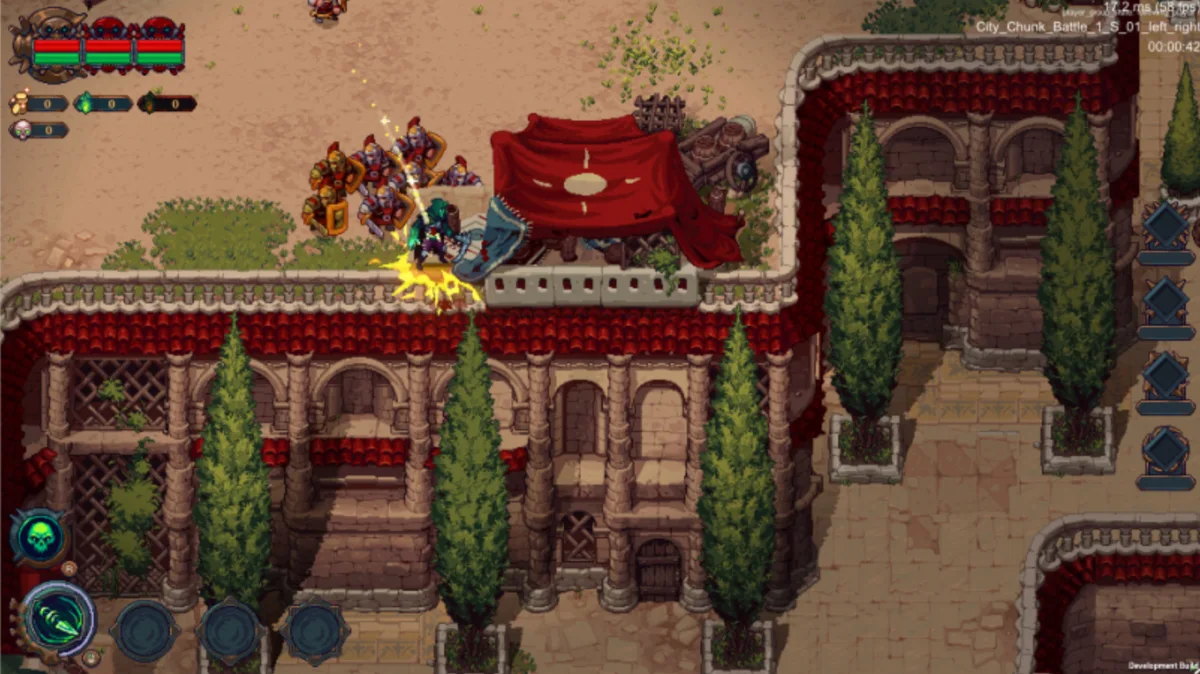
Pixel art games like The Unliving, Dead Cells, and Stardew Valley build their entire identity around handcrafted images, where every frame, color choice, and animation cycle is carefully controlled to create maximum readability and personality within strict visual constraints.
In The Unliving, for example, pixel-based characters and effects are pushed into a dark, atmospheric style where limited resolution actually strengthens the mood rather than restricting it, turning the sprite format into a deliberate aesthetic choice rather than a limitation.
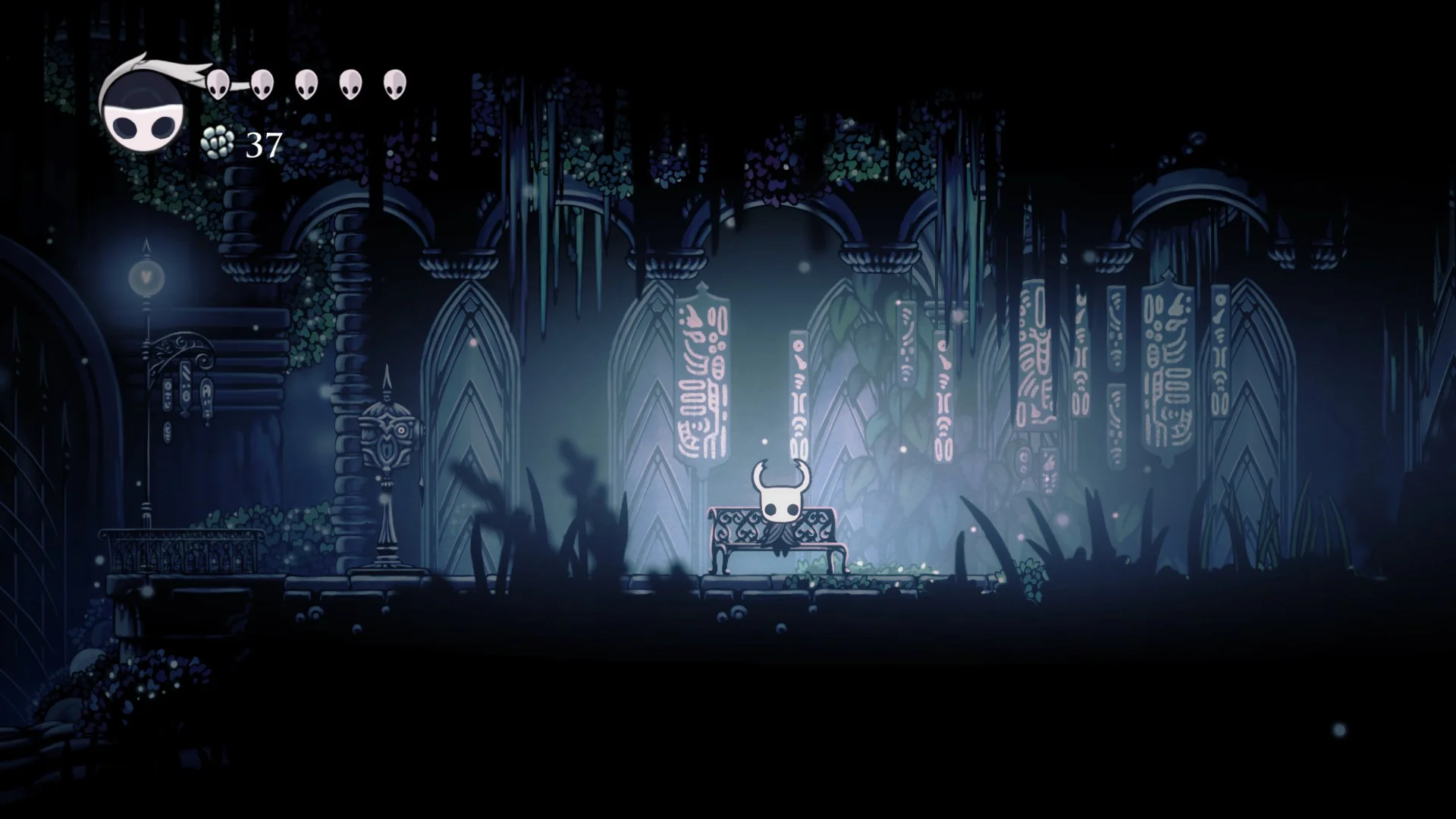
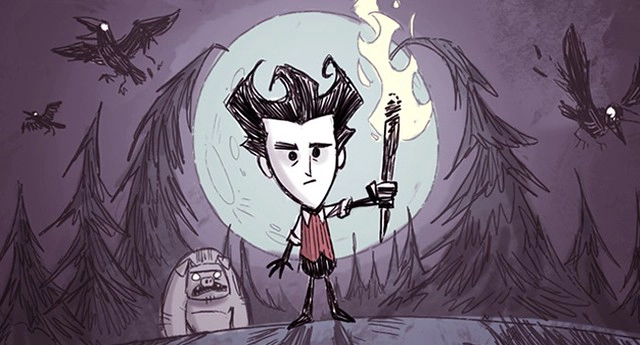
Stylized 2D games like Hollow Knight take that same sprite foundation but move away from strict pixel grids, using hand-drawn frames and smoother animation to achieve a more painterly, fluid feel while still relying on classic raster image logic under the hood.
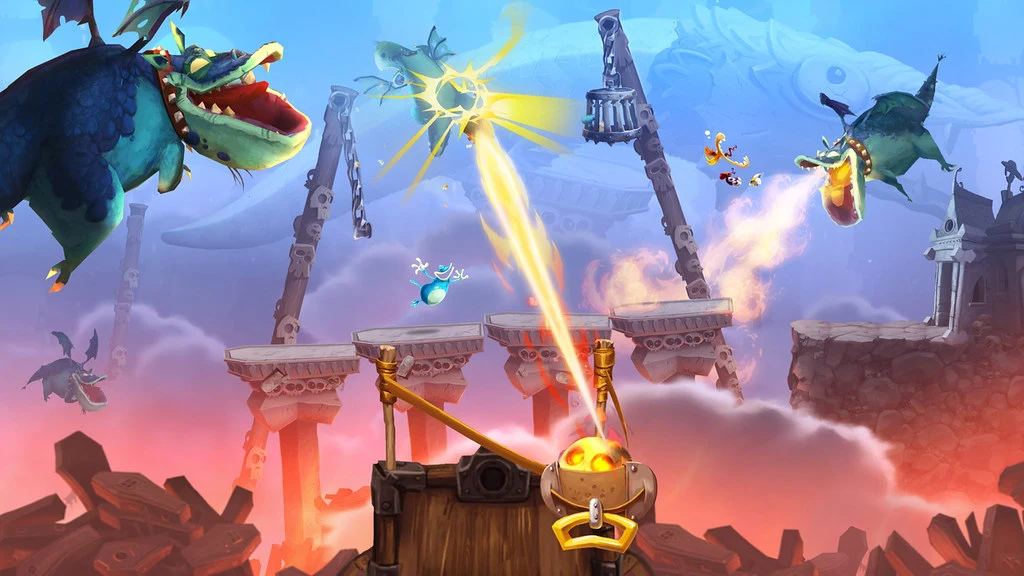
Rayman Legends also relies on sprites to animate its playable characters and NPCs. While this is a platform game, it strays away from the commonly used pixel style in favor of more painterly, detailed visuals.
Even in fully 3D games, sprites remain everywhere — especially for VFX and UI — where explosions, magic effects, and interface icons are still often rendered as simple billboarded textures because they’re faster, lighter, and more reliable than full geometry. Across all of these cases, they are often a practical choice when style, performance or production speed matters more than full 3D flexibility.
Sprites are flat 2D images that represent an asset or effect on screen. Sprites are fast to produce and iterate on compared to full 3D assets.
They're performance-friendly across platforms, especially mobile and lower-end hardware.
Sprites are popular because they fit naturally into hybrid pipelines, working alongside 3D models rather than competing with them.
Sprites remain essential for UI, VFX, and stylized 2D games, regardless of how advanced 3D rendering gets. The format scales from a solo indie project to large-scale production, which is a big part of why it hasn't gone away.
If you need a dedicated team for character sprites, UI icons, or effect animation, our 2D Game Art services are built around exactly that kind of production, so reach out to the team at RocketBrush.