Different types of 3D modeling work better for different game assets. There is no single best workflow: the right choice depends on the asset’s role, visual priority, target platform, animation needs, timeline, and budget.
In this guide, we explain the main 3D modeling methods and workflows used in game asset production, helping you understand what affects production time, cost, optimization, and final asset quality.
Main 3D Modeling Methods
While many methods exist, in this article, we focus on three common types of 3D modeling: polygonal, sculpting, and hard-surface modeling. Each one serves different asset types and production stages. In 3D modeling for game assets, these methods often overlap across different assets and pipeline stages:
Polygonal modeling is a core modeling principle that serves as the foundation for most 3D workflows.
Sculpting is used to create high-detail shapes and surface detail, as well as organic forms.
Hard-surface modeling is used for precise mechanical or man-made forms.
Polygonal Modeling: Control and Optimization
Polygonal modeling creates 3D assets from polygon meshes made of vertices, edges, and faces. Among the 3D modeling types and techniques we cover in this article, this one is the most widely used for building final meshes of game-ready assets: characters, props, environments, and weapons.
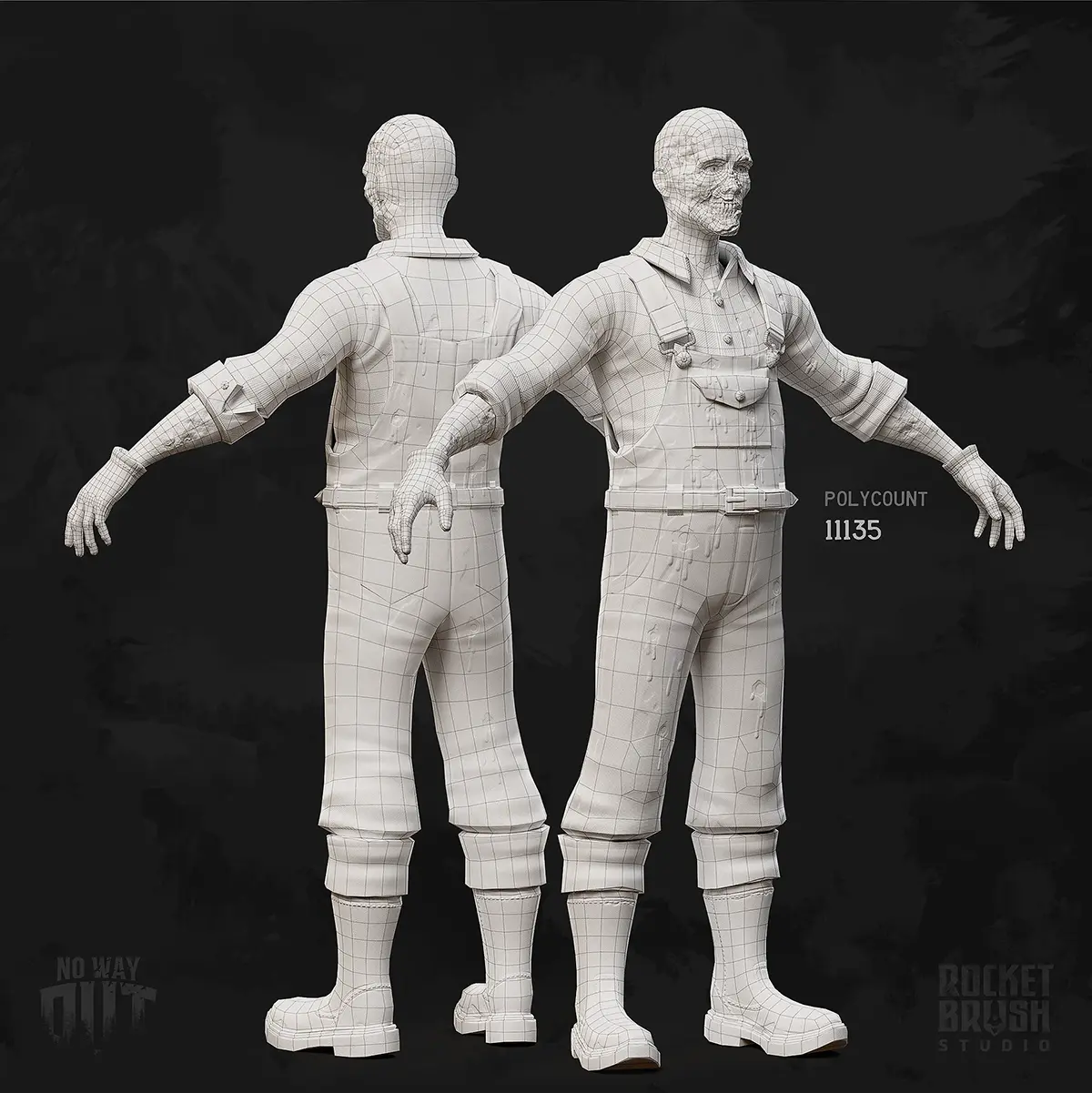
A 3D character created by RocketBrush Studio for our survival game prototype No Way Out
Category
Details
Strengths
Full control over topology
Engine-ready output
Efficient for optimization
Limitations
Complexity for developing detailed shapes
Rendering bottlenecks
High graphics requirements as a result
Tools
Autodesk 3ds Max
Blender
Maya
Production impact:
Quality: Depends on the complexity and level of detail.
Difficulty: Medium for most assets.
Time: Faster development for simple props, slower for complex assets.
Budget: Moderate baseline cost.
Sculpting: Depth and Realism
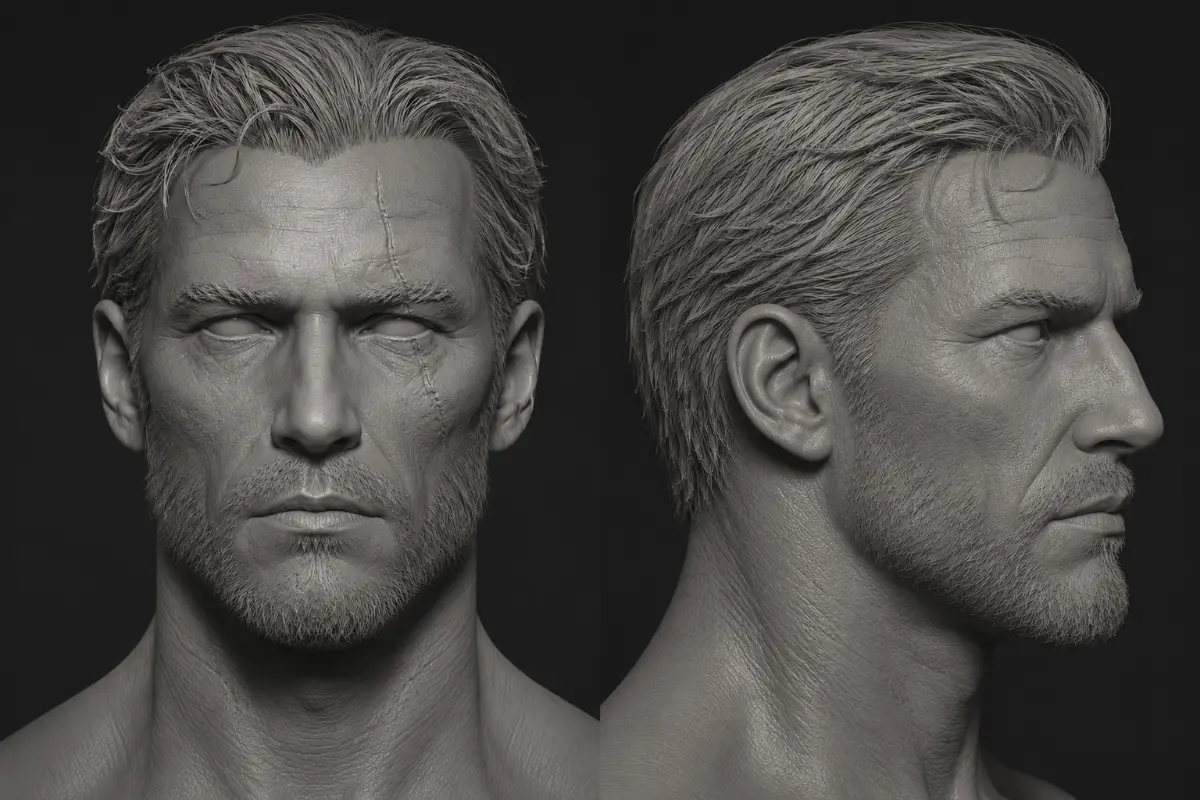
Sculpting is used to shape high-detail forms similar to traditional clay sculpting, especially for characters, creatures, organic props, and surface detail. In game asset modeling, it is often used to design characters and creatures with natural, soft shapes, organic props (rocks, trees, etc.), and to generate high-poly details.
Category
Details
Strengths
Fast for complex organic forms
High detail quality
Limitations
Not game-ready on its own — requires retopology, baking and optimization
Adds extra production steps
Tools
ZBrush
Blender
Adobe Substance 3D Modeler
Nomad Sculpt
Production impact:
Quality: High quality, deep level of detail.
Difficulty: Medium to high, depending on asset complexity.
Time: Slower development due to retopology and baking.
Budget: The multi-step workflow increases cost.
Read our article to discover more about sculpting, how it works, when it is commonly used, and how it fits into production pipelines with different goals.
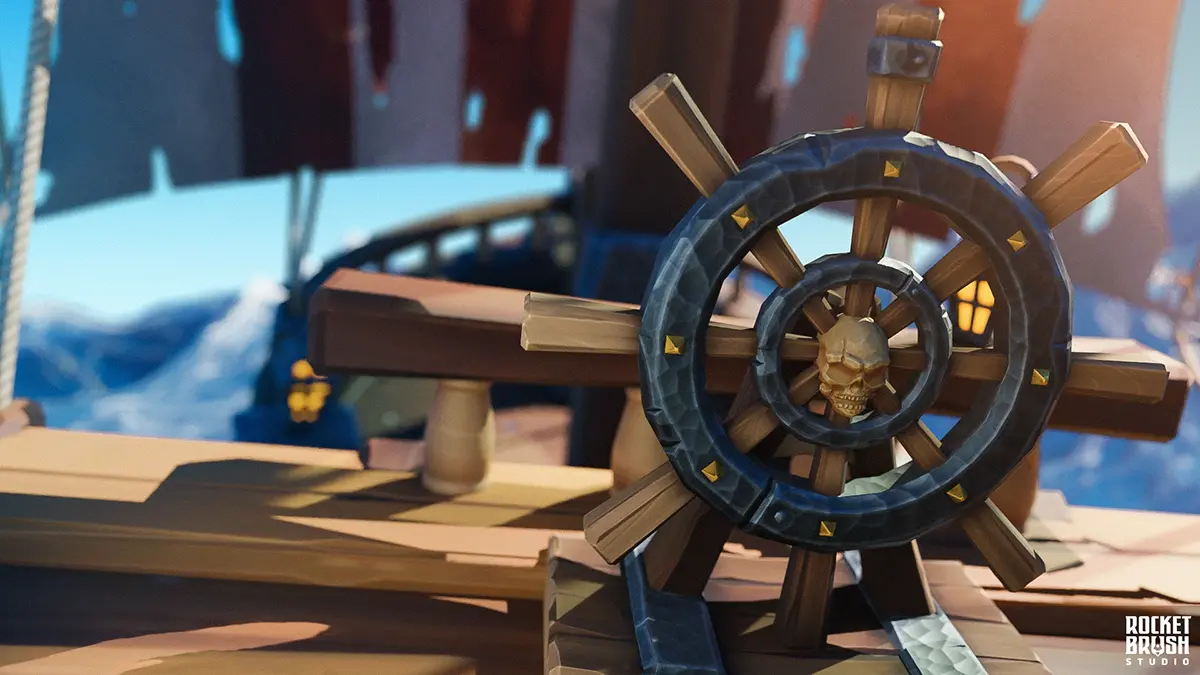
Hard-surface modeling is commonly used for types of 3D models that represent man-made or mechanical objects. Instead of softer, organic forms, this approach relies on geometric shapes, which are ideal for designing vehicles, weapons, and architecture.
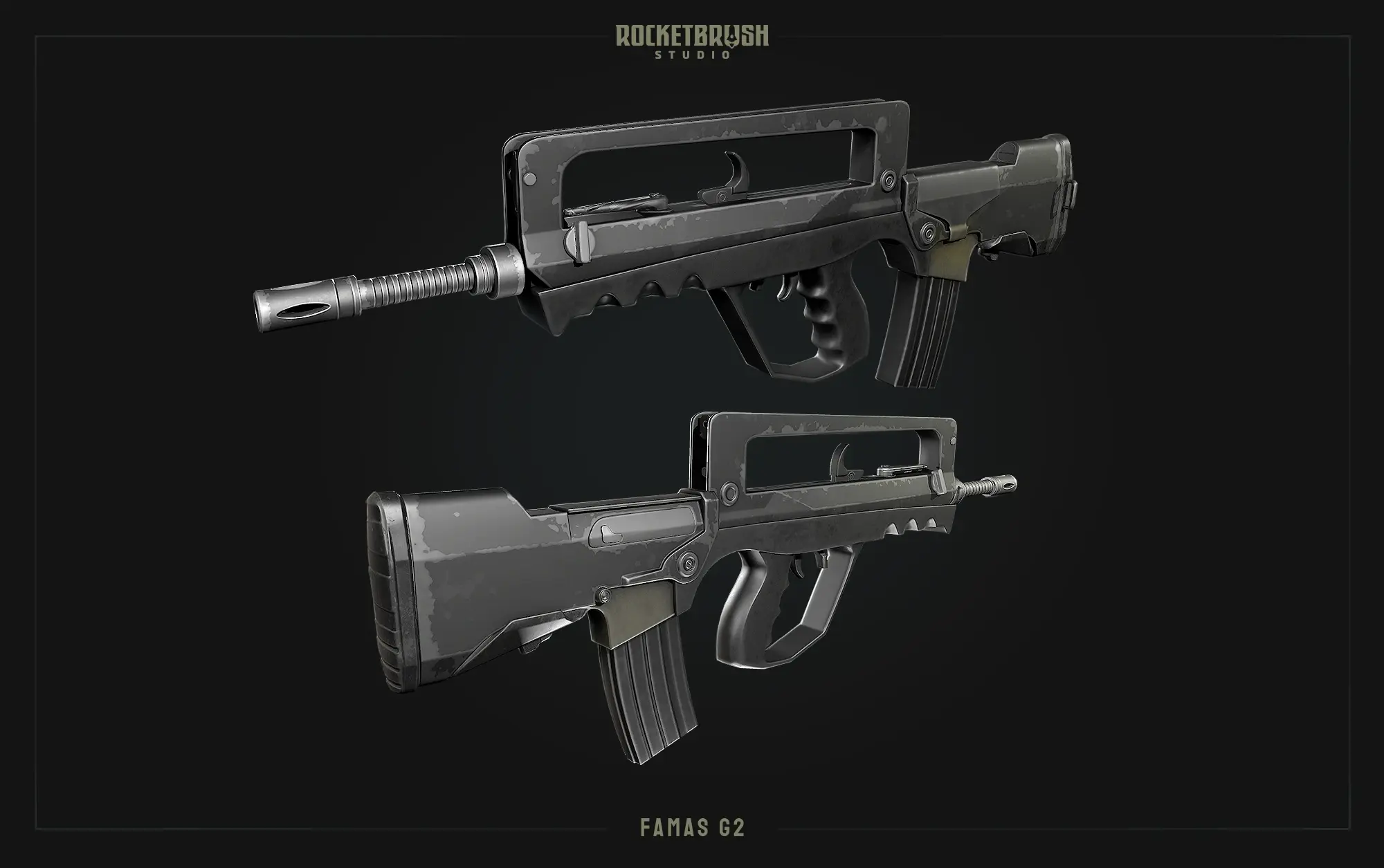
A 3D weapon created using hard-surface modeling by our team at RocketBrush Studio
Category
Details
Strengths
Clean edges
Precision
Works well with both poly and subdivision workflows
Limitations
Risk of visual quality issues and shading errors
Complex integration and animation for detailed assets
Extended production time
Limited flexibility for changes
Tools
Plasticity
Blender
Autodesk 3ds Max
Maya
ZBrush
Production impact:
Quality: Medium to high.
Difficulty: Medium to high, depending on asset complexity.
Time: May require more time, based on the asset volume and complexity
Budget: Moderate to high, depending on the expected level of detail.
Production Approaches
3D game assets can be designed using different workflows, including high-to-low poly workflow, modular, and kitbashing. These approaches can be combined within one project: characters and hero props may use a high-to-low workflow, environments may rely on modular systems, and secondary props can be built with kitbashing.
The selected approach depends on the types of 3D models required for the project — such as characters, props, weapons, vehicles, and environments — and determines the production pipeline.
High-to-Low Poly Workflow: Quality and High Detail
This workflow involves a high-poly model baked into a low-poly game asset. It is used for characters, weapons, and props. While it delivers high visual quality, it is more complex, time-consuming, and costly than simpler approaches.
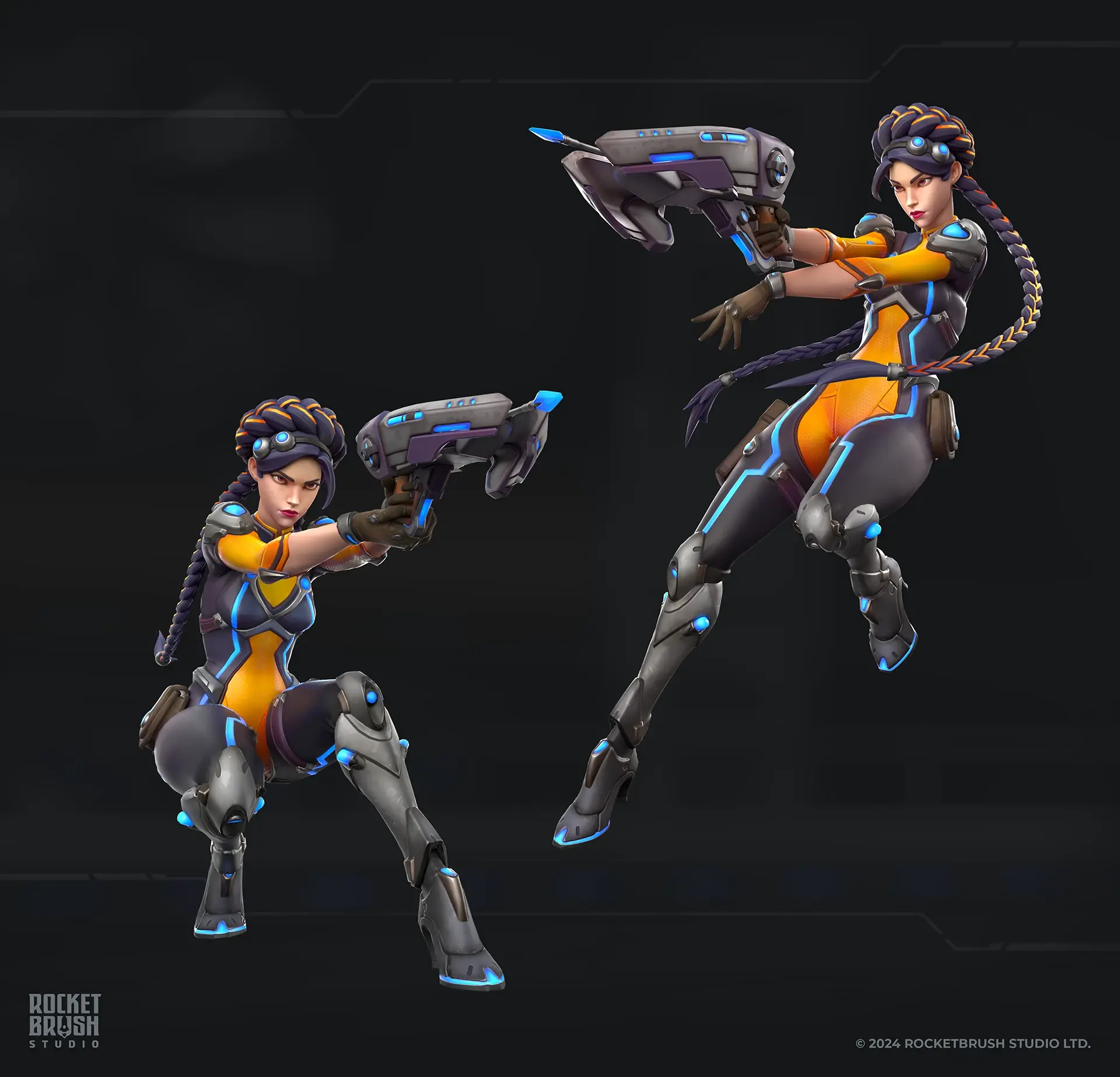
3D game-ready character Julia, created in the style of Overwatch using a multi-step workflow by our team at RocketBrush Studio
Production impact:
Quality: High visual detail
Difficulty: High
Time: Longer pipeline
Budget: Higher (multi-stage production)
Low poly is a part of different types of production workflow, but in some cases, it is used as an art style. To learn more about what makes it work and look intentional, check out our dedicated article.
[[ref:low-poly-art-in-games]]
Modular Workflow: Speed and Scalability
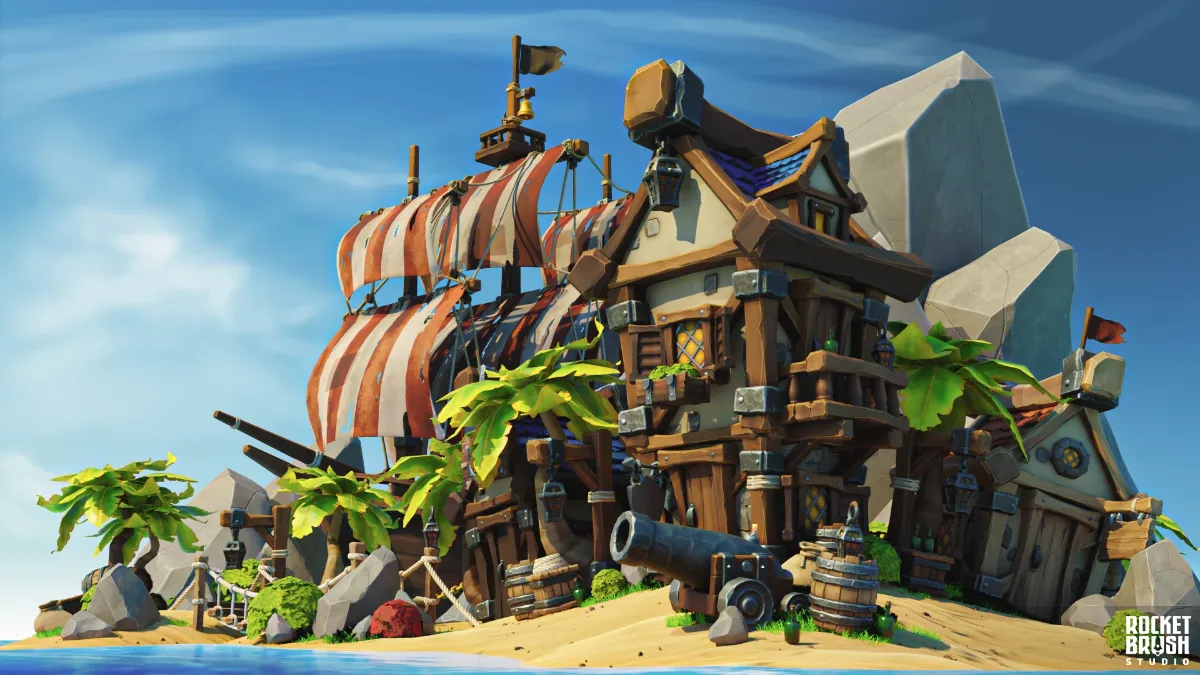
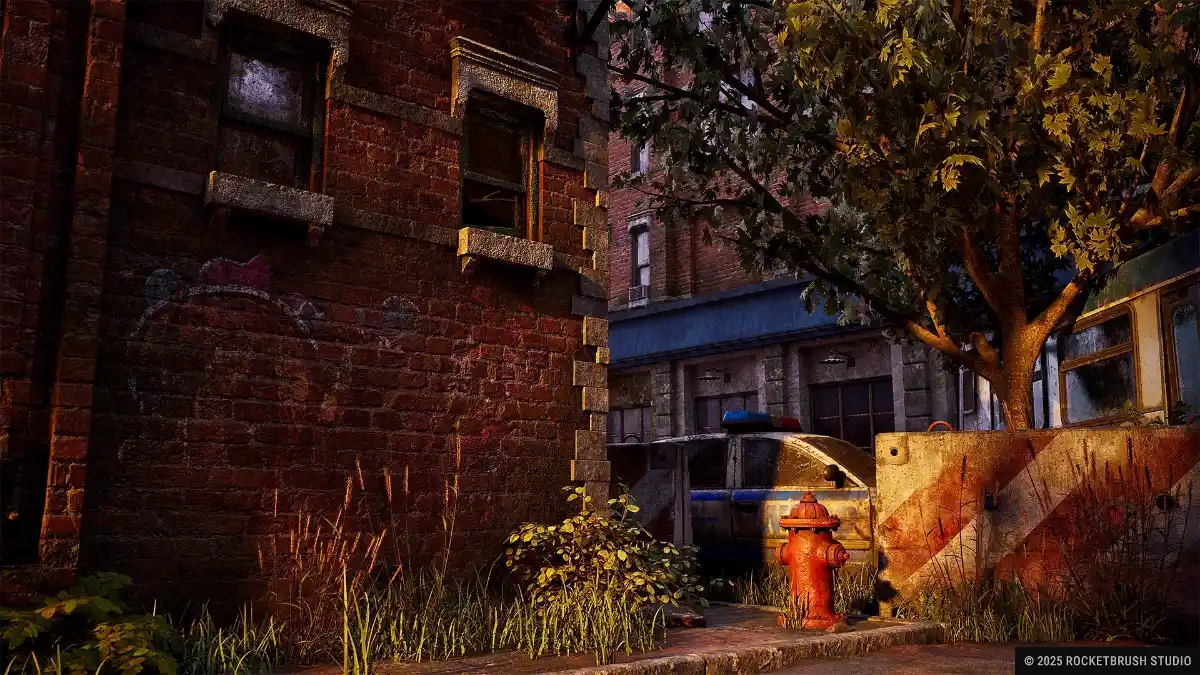
The modular approach refers to building game assets from reusable pieces. It’s a shortcut that improves speed without affecting the quality. Environments, buildings, and level design systems are often created using this workflow. It is cheaper and scales efficiently across large environments, but requires upfront planning.
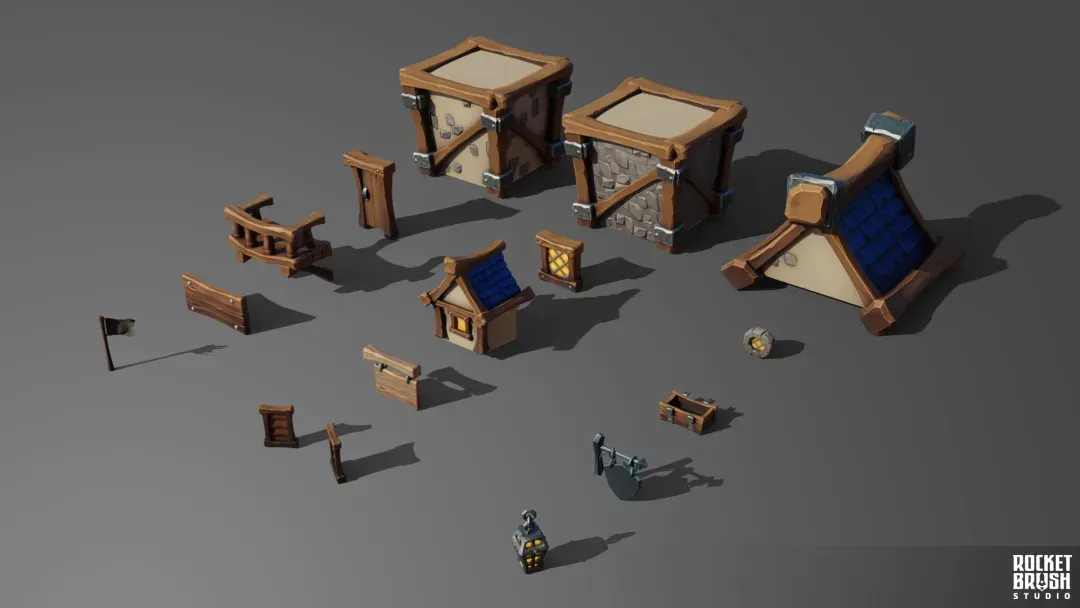
High-quality low-poly 3D elements ready to be used in the modular workflow, created by our team at RocketBrush Studio
Production impact:
Quality: Consistent, with possible repetition if reuse is not planned carefully
Difficulty: Planning-heavy
Time: Faster at scale
Budget: Lower over large projects
Kitbashing: Simplicity and Affordability
Kitbashing is a commonly used method of assembling assets from pre-made parts. It’s handy for concepting, creating environment props, and background assets. The quality of the objects depends on the kits used, but in production, kitbashing is faster and more budget-friendly than building an object from scratch.
Modular workflow, Polygonal modeling, Kitbashing + trim sheets
Scalability + performance
Medium (planning-heavy)
Medium → Long (scales with size)
Scale-dependent
If your project includes different asset types, RocketBrush Studio can help define the right workflow, estimate production complexity, and prepare game-ready 3D assets for your target platform.
[[cta:Need game art for your next project?:Tell us about your game, and we'll assemble a production-ready art team with a pipeline tailored to your style, platforms and deadlines.]]
How the Production Approach Affects the Project
Different3D modeling techniques and approaches have their own strengths and limitations that affect the production pipeline. Choosing the right one depends on the project’s requirements for different types of 3D models, the delivery timeline, and the available budget.
Difficulty
For a game team, 3D modeling for games is a trade-off between upfront planning and complex technical execution.
High-poly and sculpting workflows are more complex and require highly skilled artists.
Modular systems are easier to produce at scale, but require careful planning upfront.
Deadlines
When deadlines are tight, the team needs to decide which assets require full-detail production and which can use faster workflows.
Kitbashing is the fastest way to produce assets.
Modular workflows become efficient over time through reuse.
High-poly workflows take longer but deliver higher visual quality.
Budget
Budget defines whether you invest upfront or optimize for long-term reuse.
More production steps always add up to a higher cost.
Reusable assets (modular) reduce costs over time.
Detail vs Optimization
Higher detail increases production steps and optimization requirements.
High detail requires extra steps that, depending on the goal, may include:
Baking detail into texture maps
Creating multiple levels of detail (LODs)
Optimizing textures for performance.
Final quality is limited by real-time performance needs.
In production, 3D modeling methods and workflows rarely exist in isolation. A single project can combine several pipelines depending on the asset type, visual priority, and technical requirements. Knowing them improves communication with the 3D team and helps set realistic expectations.
Blockout → Modular assets → reuse across levels and environments
Pipelines rely on different tools to help achieve the desired result. In this article, we compare 3ds Max and Maya to determine which one is better for specific goals.
[[ref:3ds-max-vs-maya-what-to-choose]]
What to Prepare Before 3D Asset Production
To estimate the scope accurately, the art team needs clear input before production starts:
1. Asset List
Number and types (characters, props, environments)
2. Visual References
Style direction: realistic, stylized, etc.
Quality benchmarks
3. Target Platform
Mobile, PC, or console
Polycount and texture requirements
4. Level of Detail
Hero assets vs secondary assets
LOD (level of detail) requirements
5. Technical Requirements
Animation/rigging needs
Engine: Unity, Unreal, etc.
File formats
3D modeling for games requires balancing quality, speed, and cost. Different 3D modeling types and production approaches influence every stage of development, affecting timelines, budgets, and final visual quality.
FAQ
Which type of 3D modeling is best for my game project?
It depends on the asset type and your goals: Polygonal modeling is the standard for most game-ready assets; Sculpting is best for detailed characters and organic shapes; Hard-surface modeling works best for mechanical objects like weapons and vehicles. Most projects combine all three rather than relying on just one.
Why does a high-quality visual style increase production time and cost?
Higher visual quality usually means more steps—such as sculpting, retopology, baking, and optimization. Each step adds time, requires skilled artists, and increases overall production costs.
What’s the most efficient workflow if I have tight deadlines or a limited budget?
Kitbashing is the fastest and most cost-effective option. Modular workflows are slower to set up but save time and money over large projects. These approaches prioritize speed and scalability over maximum visual detail.
When should I use a high-poly to low-poly workflow?
Use it for hero assets like characters, weapons, or key props where visual quality matters most. It delivers high detail but comes with longer timelines and higher costs.
Can one project use multiple modeling methods and workflows?
Yes — this is standard practice.
For example, a single project might combine: Sculpting for characters, hard-surface modeling for weapons, modular systems for environments. Modern pipelines are hybrid by design.
What information should I prepare before starting 3D asset production?
To avoid delays and scope issues, you should define: Asset list (what needs to be created), visual style and quality references, target platform (mobile, PC, console), level of detail requirements, technical needs (engine, animation, formats). Clear input upfront helps control cost, timeline, and final quality.
Key Takeaways
3D modeling for games relies on combining different 3D modeling types within a structured pipeline. Polygonal modeling defines the final mesh, sculpting creates high-detail forms and surface detail, and hard-surface modeling provides precision for mechanical assets.
Most production workflows are hybrid. High-poly to low-poly pipelines deliver visual quality, modular systems enable scalability, and kitbashing speeds up asset creation. Each approach shifts the balance between production time, cost, and performance.
In practice, asset type drives the workflow. Characters and hero assets require multi-step pipelines, while environments and large asset libraries depend on reuse and optimization. Choosing the right combination early reduces unnecessary steps, keeps production predictable, and ensures consistent quality across all 3D game assets.
If you are planning 3D game asset production, reach out to our team at RocketBrush Studio to establish a suitable pipeline and maintain consistency across the project.
Create with us
Contact us, and we'll craft the perfect game art for your project