
menu
Close

GET IN TOUCH
Check what other game developers say about working with RocketBrush Studio:

BLOG
Steam Next gives developers a chance to present an upcoming game to players before launch. For a week, Steam highlights unreleased games with playable demos, developer livestreams, and opportunities for players to discover projects they might otherwise miss. For studios, the event can generate wishlists, reveal problems with the demo, and help validate a game's direction before release.
However, participation alone does not guarantee visibility or sales. Developers need a polished demo, a clear store page, recognizable visual assets, and a plan for attracting players beyond Steam's event listings.
This guide covers Steam Next Fest dates for 2026–2027, registration requirements, demo preparation, marketing tactics, Steam release costs, and the artwork you need to prepare. Additionally, we discuss how to release games on steam.
Next Fest is a weeklong event organized by Valve for upcoming games with playable demos. It takes place three times each year, in February, June, and October.
During Steam Next Fest, players get to browse and try out demos for different titles, while developers showcase their upcoming projects, organize livestreams, and speak about projects that have not launched yet. This time is an opportunity for developers to collect feedback and build up interest ahead of release.
Next Fest is not primarily about discounts. Its focus is discovery and hands-on experiences. Participating games are organized into relevant categories, with Steam tags helping determine where each title appears. Visibility is not distributed equally, though: the event's initial placement is randomized in many areas, and personalized recommendations develop as players interact with games. Because of that, Next Fest shouldn’t be treated as a substitute for marketing, but provides a great addition to a broader strategy.
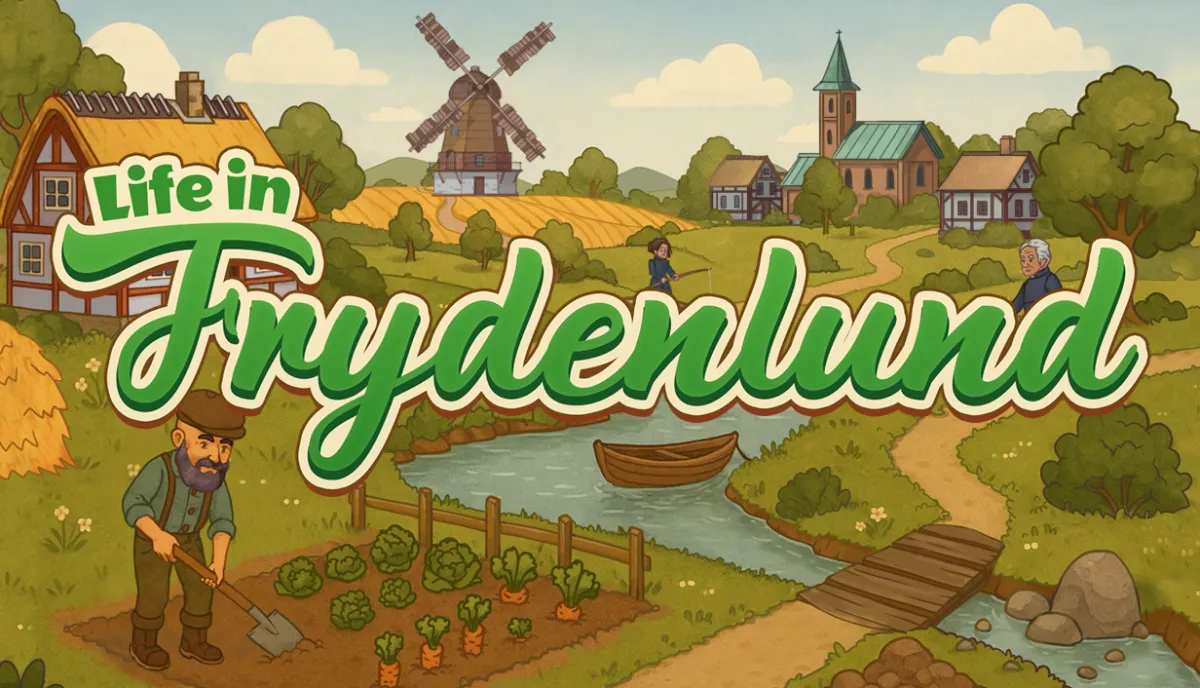
Steam Next Fest takes place three times a year. The October 2026 edition begins on October 19, 2026, and ends on October 26. Developers who miss its registration deadline can plan for one of the 2027 editions.
Each edition runs for seven days, starting at 10:00 a.m. Pacific time, ending at 10:00 a.m. Pacific time on the final day.
Keep in mind that the dates and deadlines above are Pacific time. Check the February 2027 and June 2027 event pages for full schedules and any updates.
Registration is only the first milestone. Steam's event-specific schedule also includes deadlines for trailer selection, demo review, and Press Preview.
For February 2027, the key dates are:
The June 2027 schedule follows a similar pattern, with registration closing April 25 and the event running June 14–21.
Treat these dates as hard production milestones. Steam reviews do not replace quality assurance, and a rejected build can leave little time for corrections and resubmission.
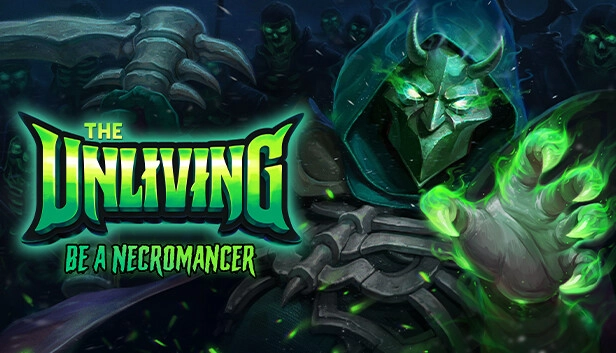
Steam Next Fest is open to unreleased games that meet Valve's eligibility requirements. Your game must:
Free-to-play and Early Access games can qualify too, provided they have not yet been released. There are no specific requirements for how long the demo must be available or when the full game must launch, as long as the launch occurs after the event ends.
Important: A game can participate in only one Next Fest. Choose the edition that best matches your development and marketing schedule.
To register, open your game's base-game App Landing Page in Steamworks and locate the Next Fest registration option. Complete the eligibility checklist, choose the relevant categories, and confirm your registration. A green checkmark on the App Landing Page indicates successful registration.
If the registration option is missing, consult the relevant edition's documentation and registration page. You can also use the official eligibility list to check whether your game qualifies.
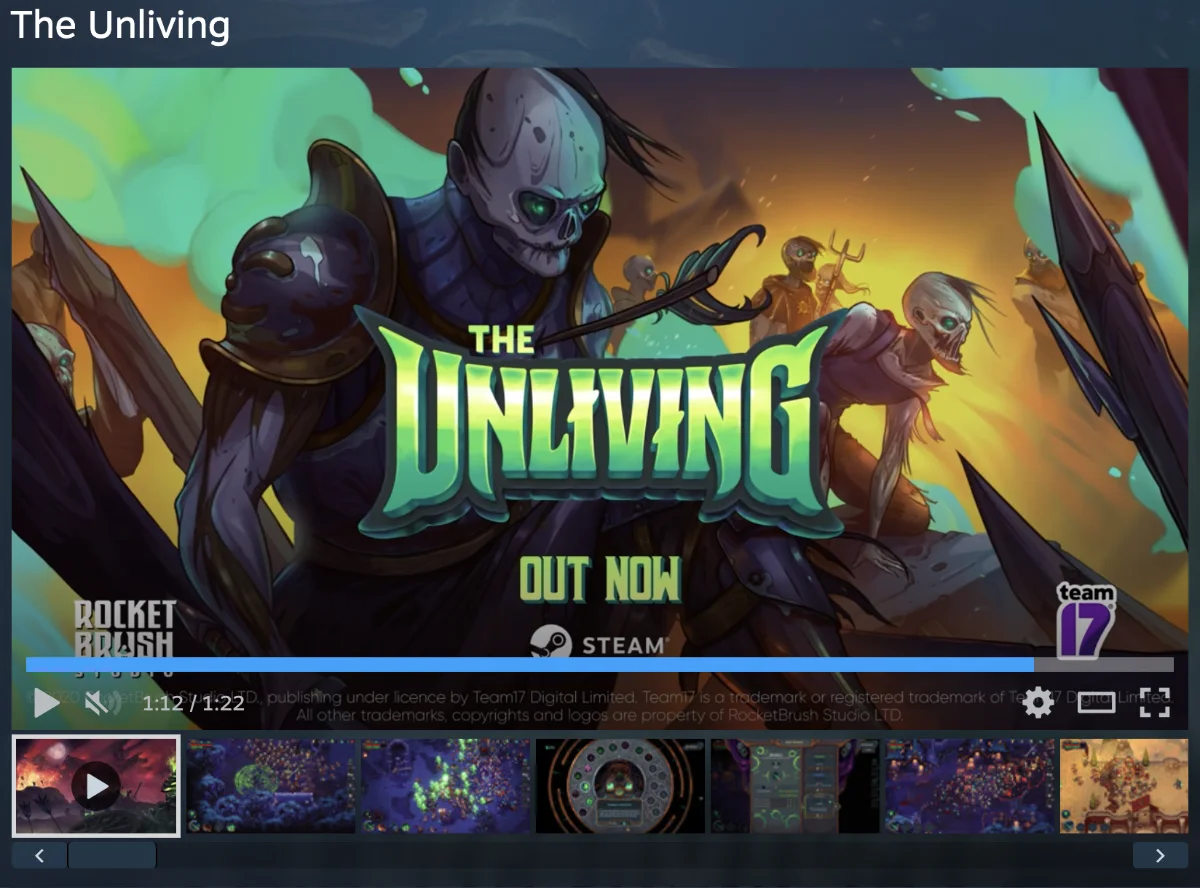
A strong Next Fest submission starts well before the event. Build your schedule around the demo review deadline, store-page readiness, and the time needed to test and promote the game.
Your demo is the main reason players will visit your game during Next Fest. It should communicate the core gameplay loop quickly, run reliably, and leave players interested in the full release.
Before submitting it for review:
Steam requires a demo app associated with your base game. Submit the build for review well Steam requires a demo app associated with your base game. To allow time for review and potential fixes, aim to submit your demo build five weeks before Next Fest if you want to participate in Press Preview, or three weeks before the public event.
Valve's official submission deadlines are generally four and two weeks before the festival, respectively. For February 2027, the deadlines are January 25 for Press Preview and February 8 for the public event.
Steam's build review checks whether the demo runs and provides the features you've promised. It is not a substitute for comprehensive QA. You can update a demo after approval, but Steam will not automatically review every subsequent build, so test changes carefully.
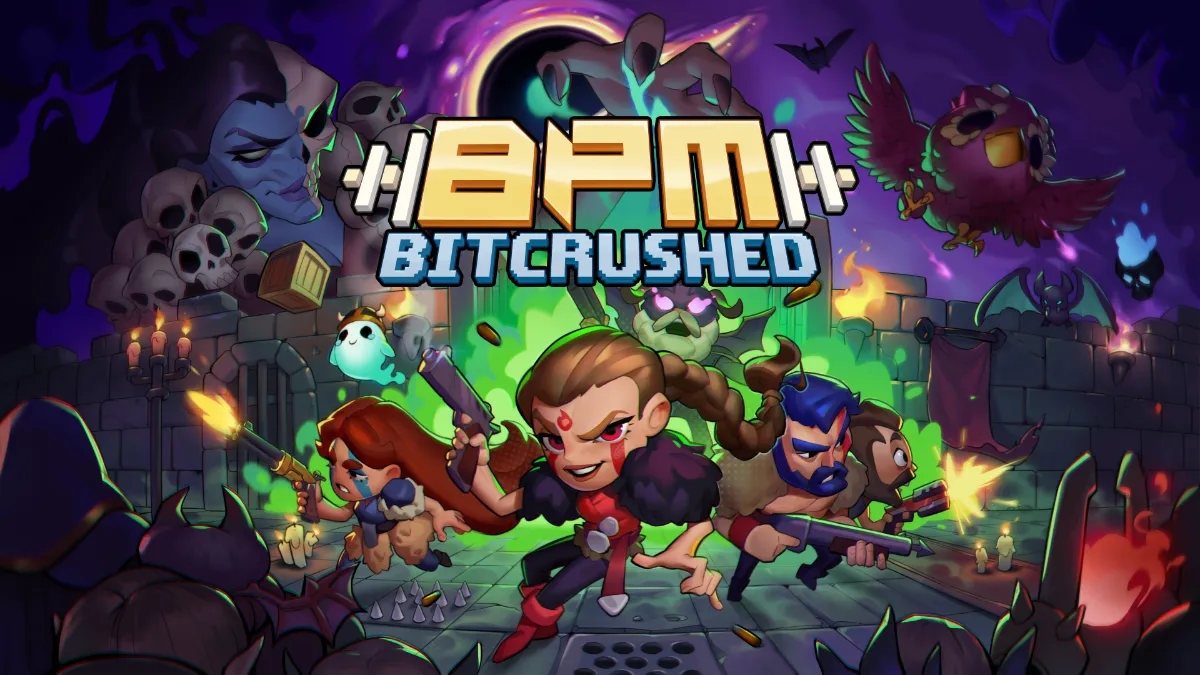
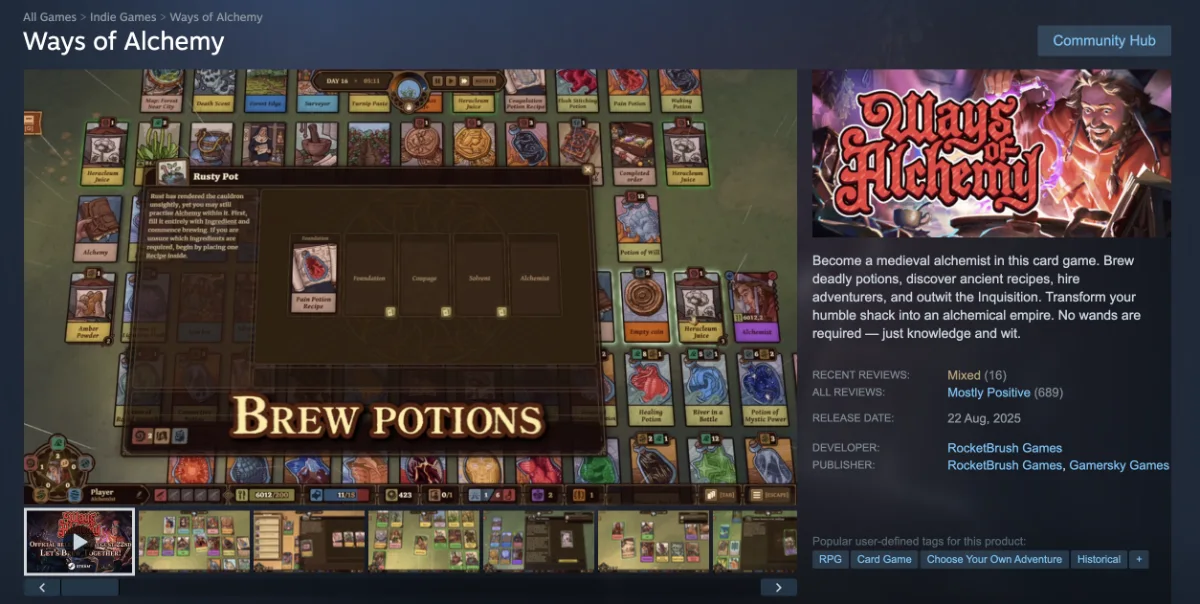
Your store page must explain the game to someone who has never heard of it. Usually, players make a quick decision based on the capsule, screenshots, trailer, description, and tags before downloading a demo.
Prioritize the following:
Review the page on different screen sizes. A composition that looks impressive in a large screenshot may become unreadable when Steam displays it as a small capsule.
Visual assets help players recognize your game while browsing a crowded event. The important distinction is that Steam store capsules, library artwork, and promotional social graphics serve different purposes. They are not interchangeable.
Steam's standard store-page assets have specific dimensions:
These are standard Steam store assets, not a single universal Steam Next Fest banner specification. Consult Steam's graphical asset documentation for the current templates and requirements.
When designing capsule artwork, prioritize the game's identity and readability. Use a strong focal point, a clear silhouette, a recognizable color palette, and a legible logo. The artwork should communicate the game's genre and visual identity even when viewed at a reduced size.
Steam also restricts what can appear on standard capsules. They generally allow the game's artwork, name, and official subtitle, but not review scores, award logos, discount claims, or generic calls to action such as "Wishlist now." Review the official graphical asset rules before submitting your designs.
For social media, Steam provides a separate Next Fest asset kit with templates for announcing participation. Use these alongside gameplay clips, screenshots, and short posts tailored to your community. Promotional graphics can build awareness, but they do not replace the store assets required for publishing.
Press Preview gives selected media outlets an early look at registered games. It starts before the public event and allows journalists to browse participating titles, try available demos, and contact developers.
If you want your demo playable during Steam Next Fest Press Preview, submit it for review early enough to meet the edition-specific deadline. Remember that releasing it makes the demo publicly available to all Steam users, not just journalists. Steam cannot guarantee that press outlets will play or cover your game.
Prepare a concise press kit with a description, screenshots, trailer, studio details, and contact information. Make it easy for journalists to understand what makes your game newsworthy.
Steam Next Fest developer livestream is optional. Since October 2024, the event has no longer had a single official event livestream; developer broadcasts appear in a separate section. If you can run a stream reliably, use it to demonstrate mechanics, answer questions, and give players a sense of the people behind the game. Test the broadcast beforehand. If you lack the time or equipment, prioritize demo quality instead.
A useful marketing plan starts before registration closes and continues after the event ends.
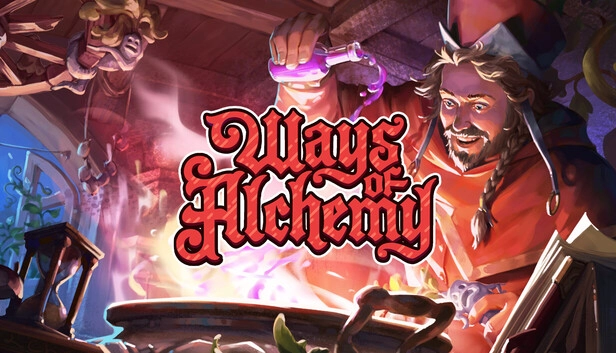
Before Next Fest, publish your store page early enough to start collecting wishlists. Share a gameplay trailer, introduce the game's hook, and show regular development updates in the communities where your intended audience already spends time. Coordinate announcements with any collaborators, creators, or press contacts who have expressed interest.
During the event, keep your messaging focused on getting people to try the demo. Share short gameplay clips, post a direct store link, answer player questions, and monitor feedback. If your team is small, assign someone to community management so that questions and reports do not disappear into the development backlog.
After the event, review demo performance, player feedback, and wishlist changes. Look for recurring friction points rather than reacting to every individual opinion. If players consistently misunderstand a mechanic or abandon the demo at the same point, investigate whether the tutorial, pacing, or interface needs work.
Do not assume that appearing in Next Fest guarantees a featured placement. Steam's visibility system aims to expose participating games, but results depend on player behavior and the event's discovery mechanisms.
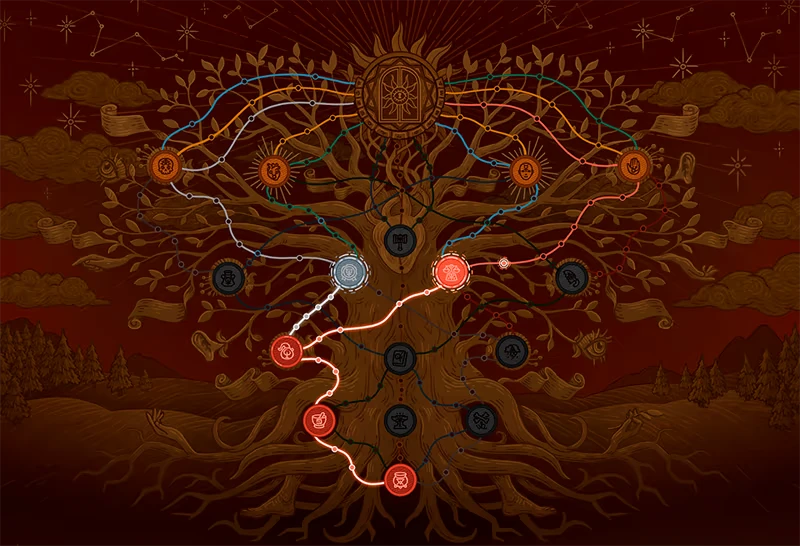
Wishlists help developers measure interest and give players a way to follow an upcoming release. Building them requires more than posting a store link repeatedly.
Wishlists are an indicator of interest, not a sales guarantee. Focus on attracting players who genuinely like the game's genre and design rather than pursuing a large number without considering audience fit.
Steam release involves more than uploading a build. Developers must set up a Steamworks account, prepare store assets, submit the game for review, and coordinate the release.
Consult the official Steamworks documentation and Steam Direct fee guide for the current requirements.
If you are looking for game and promo art, as well as materials for Steam Next Fest, reach out to us at RocketBrush.
[[cta:Need game art for your next project?:Tell us about your game, and we'll assemble a production-ready art team with a pipeline tailored to your style, platforms and deadlines.]]
The mandatory Steam Direct fee is $100 per product. Valve states that the fee is not refundable, but it can be recouped in a subsequent payment after the product reaches at least $1,000 in adjusted gross revenue from Steam Store and in-app purchases.
The fee is only the platform entry cost. The total budget depends on the scope of the game and how much work the team handles internally.
A solo developer creating a small 2D game may spend relatively little beyond the direct fee if they do the production work themselves. A larger game may require substantial investment in art, animation, QA, localization, and marketing. There is no single total cost that applies to every release and the question of how much does it cost to launch a game on steam depends on each case separately.
Competition on Steam has increased substantially. According to SteamDB's release statistics, approximately 21,245 games were released on the platform in 2025, compared with 18,438 in 2024 and 14,017 in 2023. The 2026 figure is already above 21,000 as of October 19, although the year is not yet complete.
That volume makes discoverability a practical production concern. A technically sound game can still struggle to attract attention if its store page fails to communicate the appeal or its marketing starts too late.
During the Steam Next Fest dates, games get a concentrated discovery opportunity, but they all compete for player attention within their categories. Developers should prepare for that competition through a polished demo, strong visual presentation, accurate tags, and consistent promotion.
The goal is not to make every asset louder or more elaborate. It is to make the game's identity immediately understandable to the players most likely to enjoy it.
.webp)
Your Steam store page is often the first detailed look players get at your game. Capsule art, screenshots, character designs, environments, and promotional illustrations should communicate the same visual identity and make the gameplay easy to understand.
We at RocketBrush Studio provide game art production services for studios working across mobile, PC, and console projects. Our team works with different visual styles, from stylized and cartoon art to more realistic game assets, and can support projects that need both individual deliverables and ongoing art production.
For a Steam release, we can help with:
The practical benefit of working with a game art studio is the ability to plan these deliverables as part of a coherent production pipeline. Instead of commissioning isolated images without a shared direction, developers can align promotional artwork with the game's actual art style, characters, environments, and gameplay.
If you aren’t sure how to release game on steam, or if your team is preparing for Steam Next Fest, start by identifying the assets that will have the greatest impact on the store page and demo presentation. A clear brief, approved visual direction, and realistic production schedule help ensure that artwork is ready before marketing deadlines.


