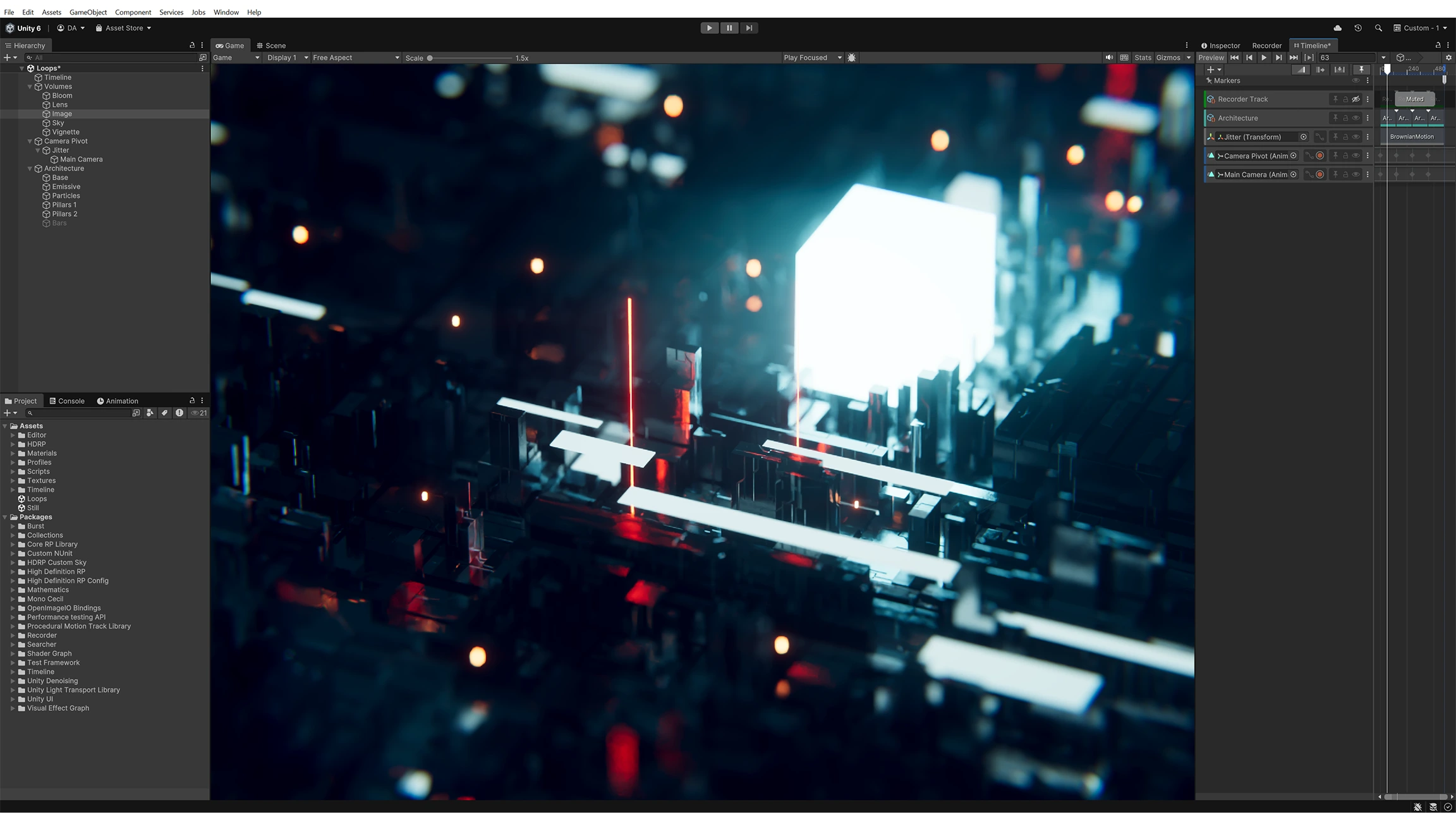
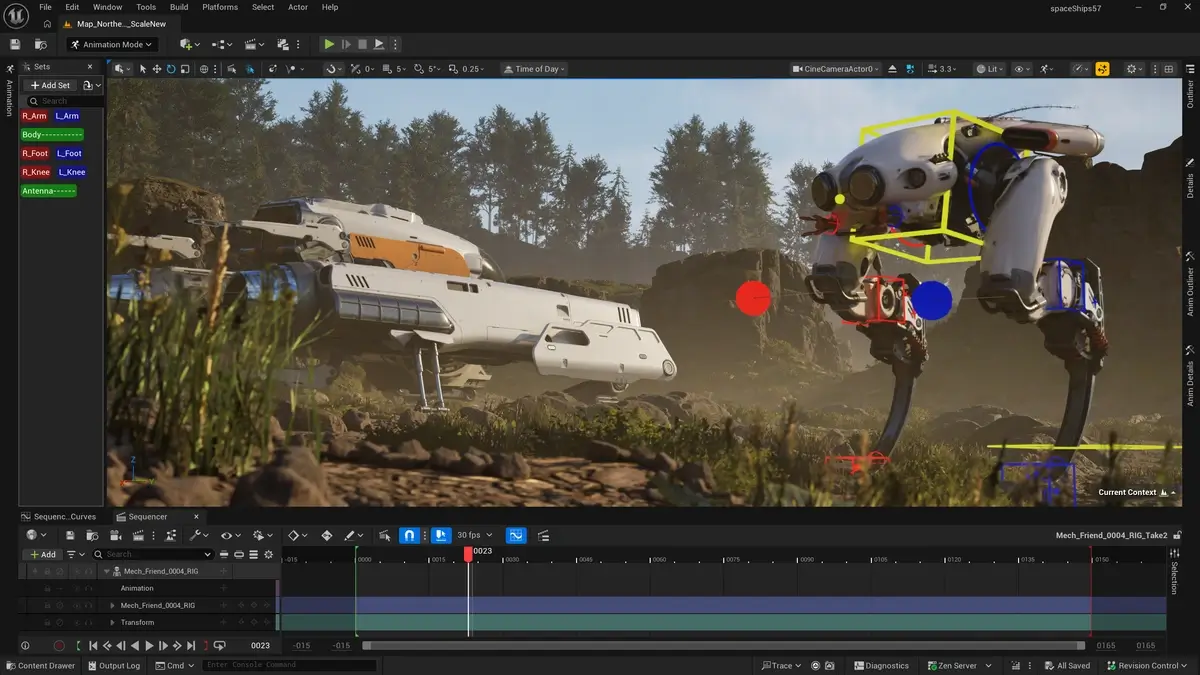
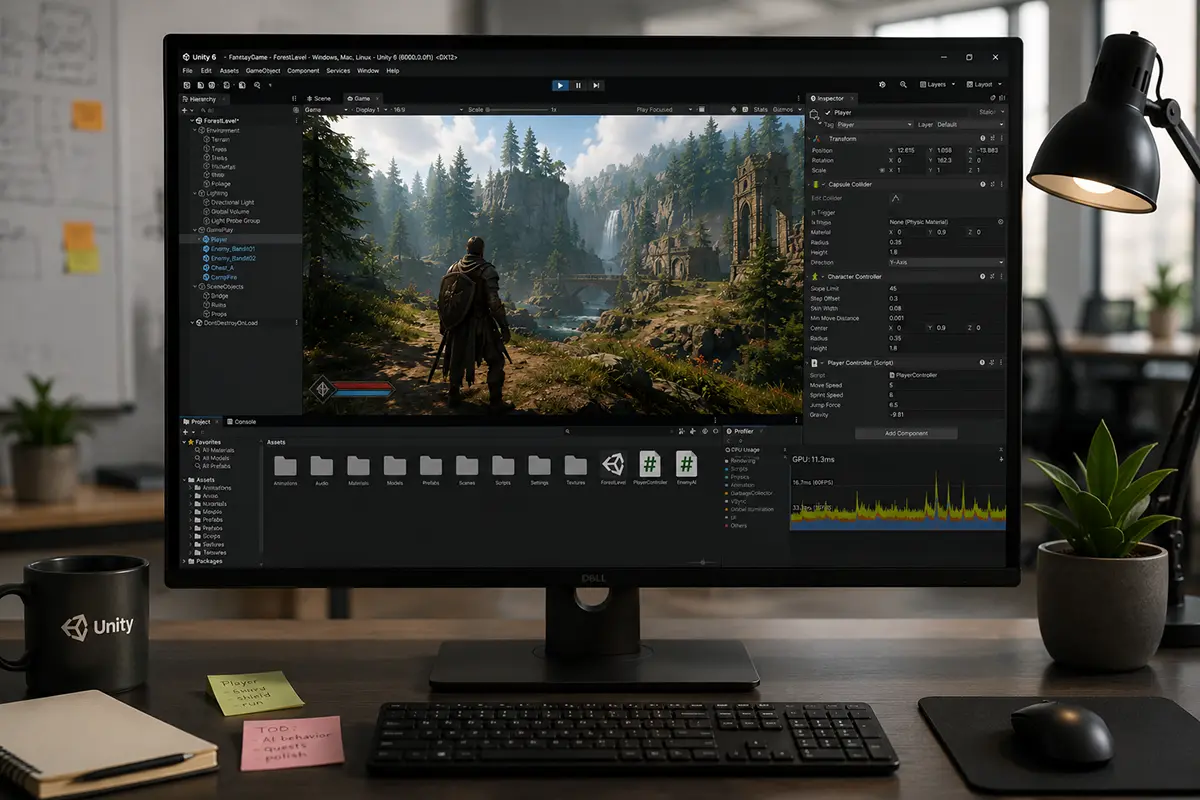
When people compare Unity vs Unreal Engine, they often try to pick a winner. That is usually the wrong way to look at it. The more useful question is which engine fits your game, your target platforms, your team setup and the level of visual ambition you actually need.
In practice, Unity usually feels like the safer default for mobile, 2D, browser-based projects and broader cross-platform production. Unreal tends to make more sense when the game needs stronger built-in support for high-end 3D visuals, larger environments and a more demanding visual target from the start. That is what the engine decision really looks like in 2026:
The quick comparison above clearly illustrates the distinction between the two, but let’s take a closer look at the specifics.
Unity vs Unreal: Full Comparison
If you are making an early engine decision, these are usually the points that matter first:
Area
Unity
Unreal Engine
Best default for
2D games, mobile-first titles, browser games and broad cross-platform work
High-fidelity 3D games, PC/console-first titles, cinematic presentation and larger worlds
2D fit
Stronger 2D-first workflow and toolset
Possible, but not a core reason to choose it
3D fit
Strong for stylized 3D and broad-device production
Stronger out of the box for photoreal or fidelity-first 3D
Programming
C# plus Unity Visual Scripting
C++ plus Blueprints
Pricing model
Free entry point, then seat-based pricing
Free to start for games, then royalty-based pricing above the revenue threshold
Browser delivery
Native WebGL path
Usually Pixel Streaming rather than a lightweight native web build
Art-production fit
Stylized visuals, cross-device consistency and lighter pipelines
Realistic environments, cinematic lighting and higher-end rendering targets
The short practical version is this is that Unity usually gives you a wider, lighter starting point, while Unreal gives you a stronger default for visually demanding 3D work. That is why Unity vs Unreal is less about finding the better engine and more about understanding what kind of production each one supports best.
Which Engine Fits Your Project Better?
Project type
Better default
Why
2D game
Unity
Better 2D workflow, lighter pipeline and less overhead for a pure 2D production
Mobile F2P or cross-device live-service
Unity
Better mobile posture, broader hardware coverage and a more natural fit for broad-device production
Browser-first game or playable campaign
Unity
Native WebGL path makes the workflow more straightforward
Stylized 3D indie or AA
Usually Unity, sometimes Unreal
Decide mostly by art ambition, target hardware and team skills
Fidelity-first 3D for PC or console
Unreal
Stronger built-in rendering stack and better default fit for higher-end visuals
Large open-world or cinematic project
Unreal
Better fit for dense worlds, advanced lighting and more demanding 3D content
Small team with limited hardware budget
Unity
Easier onboarding and lighter iteration costs
Team that needs deep engine-level control
Unreal
Source access matters more here
There is also a useful game-art angle here. If your project is art-heavy but stylized and cross-platform, Unity often makes it easier to keep the visuals consistent across device tiers. If the game needs realistic environments, cinematic lighting or a more demanding 3D target, Unreal usually gets you there faster with less custom rendering work. So when people ask Unreal vs Unity, the practical split is often stylization and breadth versus fidelity and rendering ambition.
Pricing changes that decision too, especially once the project moves beyond prototype stage.
Pricing and Cost in 2026
Pricing point
Unity
Unreal Engine
Free entry point
Personal is free for eligible users
Free for game developers under the royalty threshold
Main paid trigger
Pro is required above $200K in funding or annual revenue
5% royalty above the first $1M in lifetime gross product revenue
Current paid baseline
Pro from $2,310/year
Standard royalty model for games
Larger company note
Enterprise is required above $25M annual revenue
Non-game commercial use above $1M company revenue uses seat pricing
Extra note
Runtime Fee has been canceled for games made with Unity 6
Epic also offers a reduced 3.5% rate for eligible Launch Everywhere with Epic titles
These differences make Unreal Engine vs Unity a business-model decision as much as a technical one. In simple terms:
Unity pricing is easier to forecast because it follows a seat-based model, which makes costs more predictable as production scales. That usually makes Unity easier to budget for teams that want clearer staffing and production planning.
Unreal Engine starts more cheaply for many game teams, but the economics can shift if the game performs well. If you want lower upfront cost and are comfortable with royalty-based upside sharing, Unreal may look more attractive.
With that in mind, let's look at each engine on its own terms.
Unity: Where It Usually Makes More Sense
Unity is often the better fit when speed, flexibility and platform breadth matter more than pushing rendering ambition as far as possible from day one. That is why it keeps showing up in 2D, mobile, browser and stylized cross-platform work.
Unity pros and cons
Pros
Cons
Strong default for 2D, mobile and web
Less native leverage for photorealistic 3D out of the box
Easier onboarding for many smaller teams
High-end visuals often need more deliberate setup
C# is accessible and widely familiar
HDRP projects can still become heavy
Broad platform reach
Console deployment sits behind paid plans
Predictable seat-based pricing
Less attractive when the whole pitch depends on top-end visuals
Unity’s biggest practical advantage is that it stays broad without becoming too heavy too early. Unity explicitly positions URP as a render pipeline for optimized graphics across platforms from mobile to high-end consoles and PCs, and its 2D tooling remains one of the clearest reasons to pick it in 2026. For teams building mobile titles, stylized 3D games, smaller live-service products or browser-first experiences, that combination still matters more than headline rendering features.
That does not mean Unity is weak visually. HDRP exists for higher-fidelity work, and Unity 6 continues to position its rendering stack around performance and multiplatform reach. But if you need the engine itself to carry more of the rendering load from day one, Unity usually asks for more deliberate setup and optimization. This is why Unity vs Unreal Engine 5 is still not a trivial comparison for art-heavy 3D projects – Unity can absolutely get there, but it often asks more from the team.
If Unity looks like a strong fit for your project, but you are also considering a lighter, open-source engine for 2D, prototypes, or smaller-scope production, it is worth comparing Unity with Godot before making the final call. The article below breaks down that choice in more detail:
[[ref:godot-vs-unity]]
Unreal Engine in Detail
Unreal Engine pros and cons
Pros
Cons
Stronger default fit for high-end 3D visuals
Heavier workstation and pipeline demands
Blueprints are a strong tool for fast gameplay iteration
Steeper onboarding for many teams
Better native leverage for large worlds and rendering-heavy scenes
Browser delivery is less straightforward
Full source access under Epic’s model
Royalty exposure can get expensive
Great fit for cinematic presentation
Smaller teams can over-scope very easily
Unreal’s biggest strength is concentration. Epic’s current UE 5.7 messaging is very explicit about what the engine is trying to do well: high-fidelity real-time rendering, more scalable worldbuilding and production-ready procedural tooling. In this release line, Epic highlights Production-Ready PCG as well as Nanite-related advances for dense foliage and large-scale environments. That is exactly why Unreal remains such a strong default for fidelity-first PC and console projects.
Blueprints are also a real advantage, not just a beginner feature. Blueprint Visual Scripting is a node-based way to create gameplay functionality without writing code, and for mixed teams of designers, technical artists and engineers, that can speed up iteration significantly. That is one reason Unity or Unreal Engine is often less about language preference alone and more about how many disciplines need to move in parallel inside the same production pipeline.
The tradeoff is that Unreal rewards ambition and punishes unrealistic scope. Smaller teams can absolutely ship with it, but they need to budget for heavier content, stronger machines and more disciplined optimization.
[[cta:Need game art for your next project?:Tell us about your game, and we'll assemble a production-ready art team with a pipeline tailored to your style, platforms and deadlines.]]
FAQ
Which engine is better for beginners?
Usually Unity. It tends to be easier to learn, lighter to set up and more forgiving for smaller teams. Unreal is still a valid option, but it usually asks for more hardware and a bit more production discipline from the start.
Which engine is better for 3D games?
It depends on the kind of 3D game you are making. For stylized 3D, cross-platform projects or games that need to scale across a wider range of devices, Unity is often a good fit. For higher-end 3D on PC or console, especially with more demanding visuals, Unreal usually starts with the advantage.
Which engine is better for 2D?
For most teams, Unity is the more natural choice. Its 2D workflow is more mature and easier to build around, while Unreal can handle 2D but is rarely chosen for it first.
Which engine is better for browser games?
Usually Unity, because it has a much more straightforward path for browser-based deployment. Unreal can still be used in browser-facing setups, but that often means a heavier workflow and different infrastructure.
Which engine makes more sense for an art-heavy project?
That depends on the visual target. If the project is stylized and needs to work well across devices, Unity often makes production easier. If it depends on realistic environments, cinematic lighting or a more ambitious 3D look, Unreal usually gives the team more built-in support.
Which one is easier to plan around long term?
If predictable costs, broad platform reach and a lighter production setup matter most, Unity is often easier to plan around. If the project needs a higher visual ceiling and the team is comfortable with a heavier pipeline, Unreal can make more sense despite the added complexity.
How to Make the Choice Without Overcomplicating It
The most useful answer in 2026 is simple.
Choose Unity when:
the project is 2D-first
the project is mobile-first
browser delivery matters
you need broad platform reach without a heavy engine footprint
your visual target is stylized rather than photorealistic
Choose Unreal when:
the visual target is part of the commercial hook
the game is PC/console-first and 3D-heavy
you need larger environments and a stronger built-in rendering stack
your team can absorb more technical overhead
you expect cinematic scenes, more advanced lighting and more rendering complexity
The right engine choice should hold up against the realities of production: scope, platforms, content demands and the team you have to ship with. That is usually where the real tradeoffs become clear.
If your team needs extra support on the game art side, RocketBrush Studio can help with concept art, 2D art, 3D art, UI/UX and animation. Contact us to see how we could support your project.
Create with us
Contact us, and we'll craft the perfect game art for your project


.webp)